
Start Here
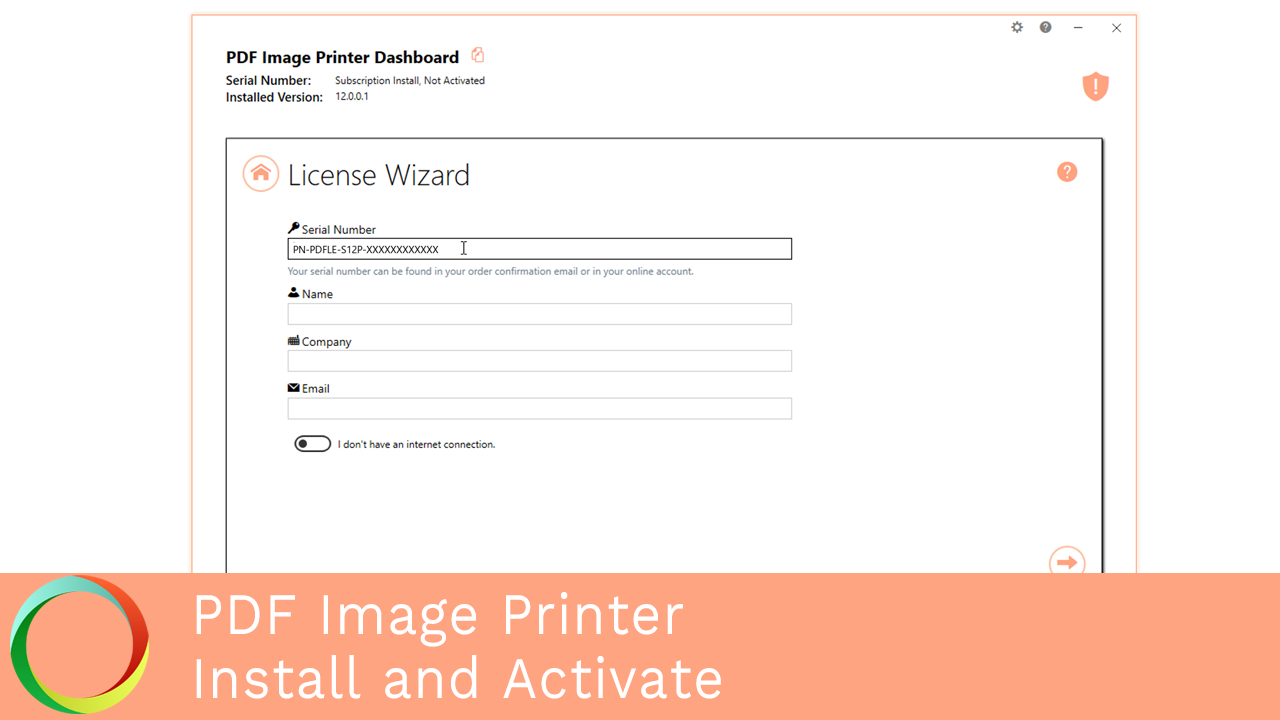
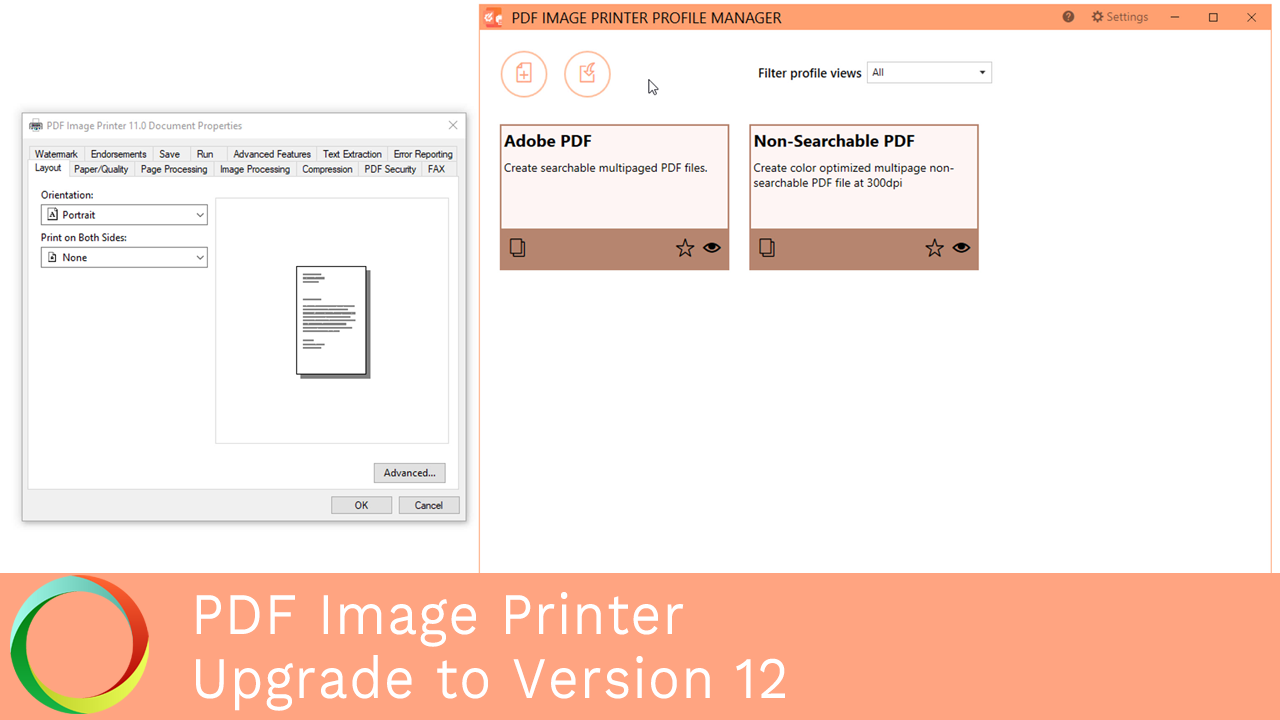
Learn how to install and activate your PDF Image Printer, or upgrade your existing PDF Image Printer software to the latest version.
New to Version 12
Get all the details on PDF Image Printer 12’s new modern, clean and easy-to-use user interface.
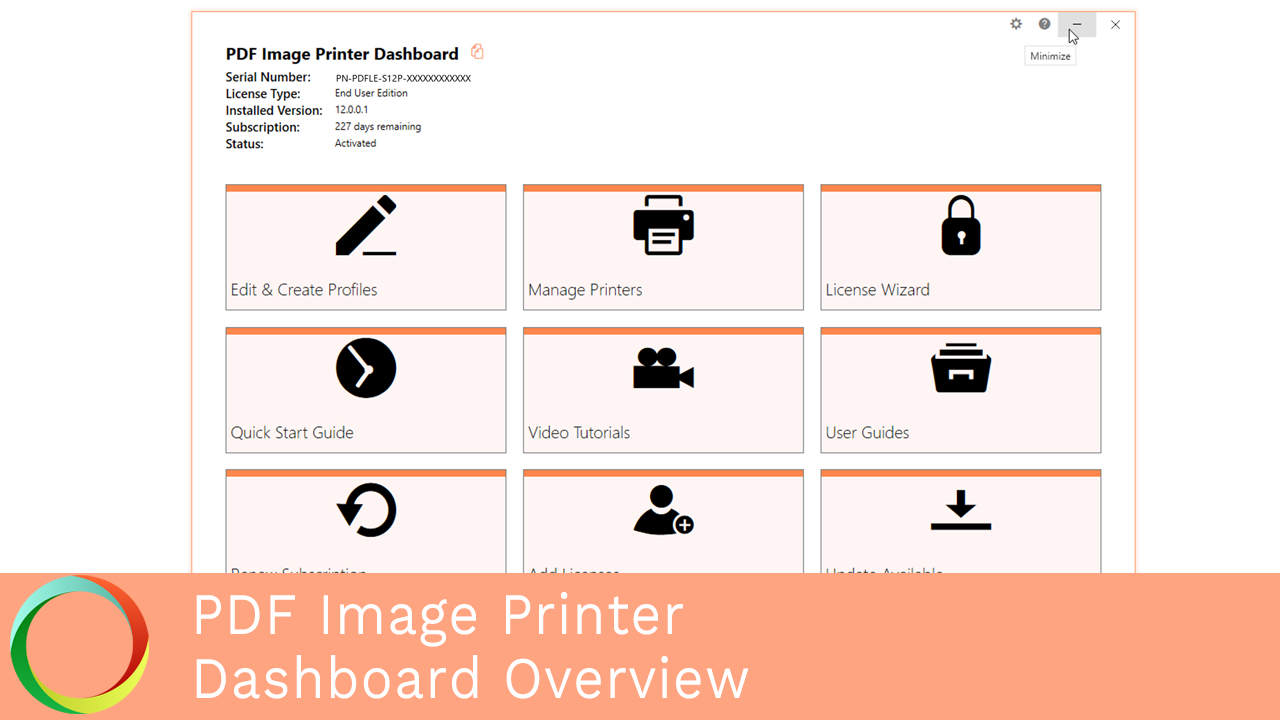
Dashboard Overview
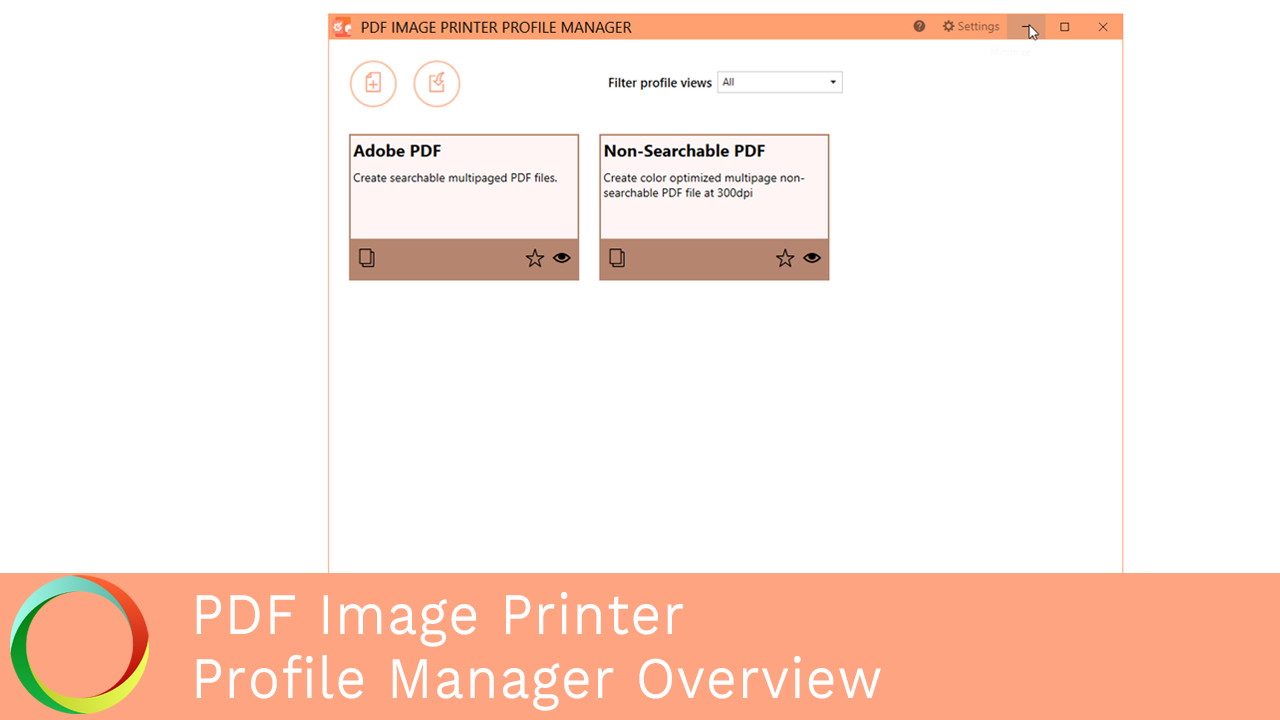
Profile Manager Overview
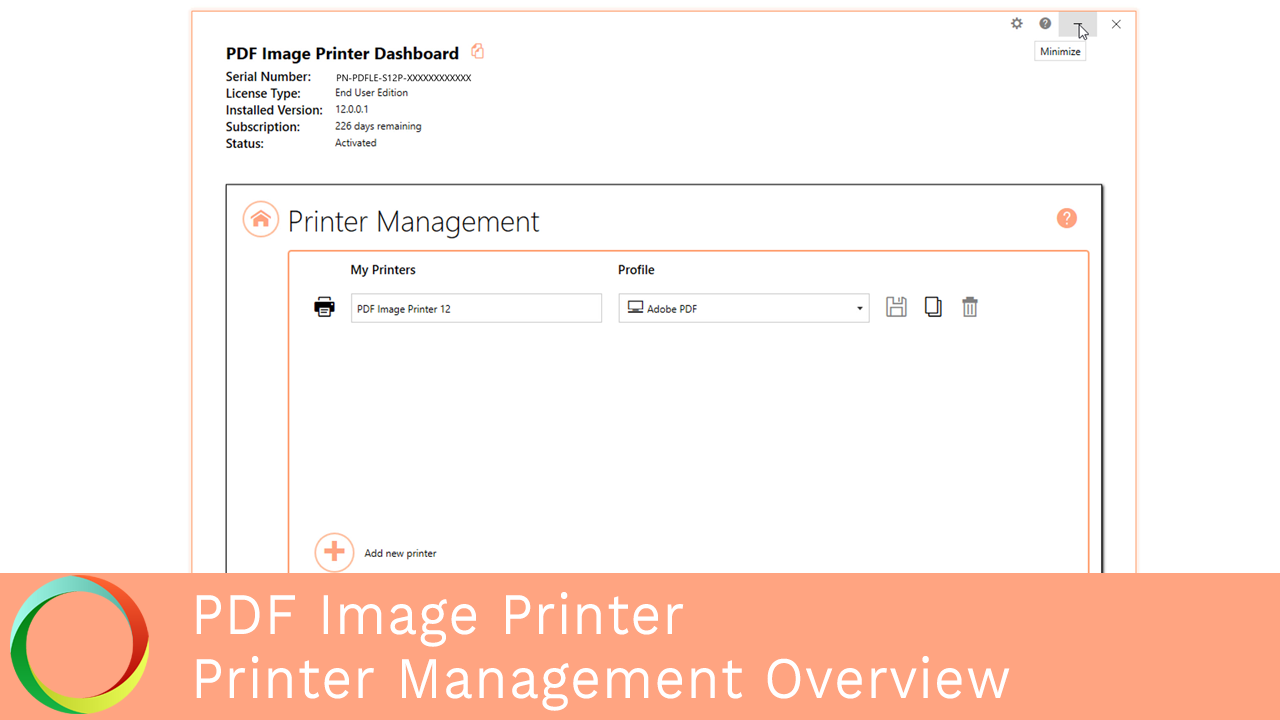
Printer Management Overview
Basic Conversions
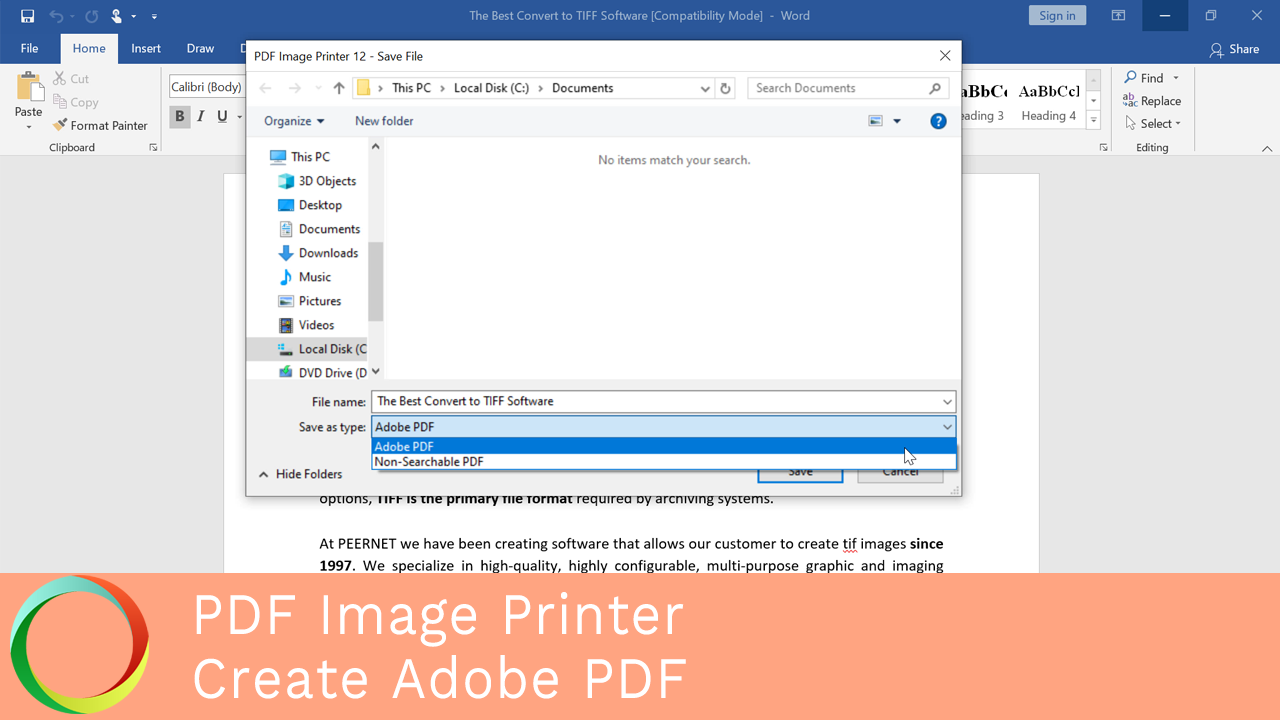
Use PDF Image Printer’s system profiles – Adobe PDF and Non-Searchable PDF – for quick & easy PDF creation.
Create Adobe PDF
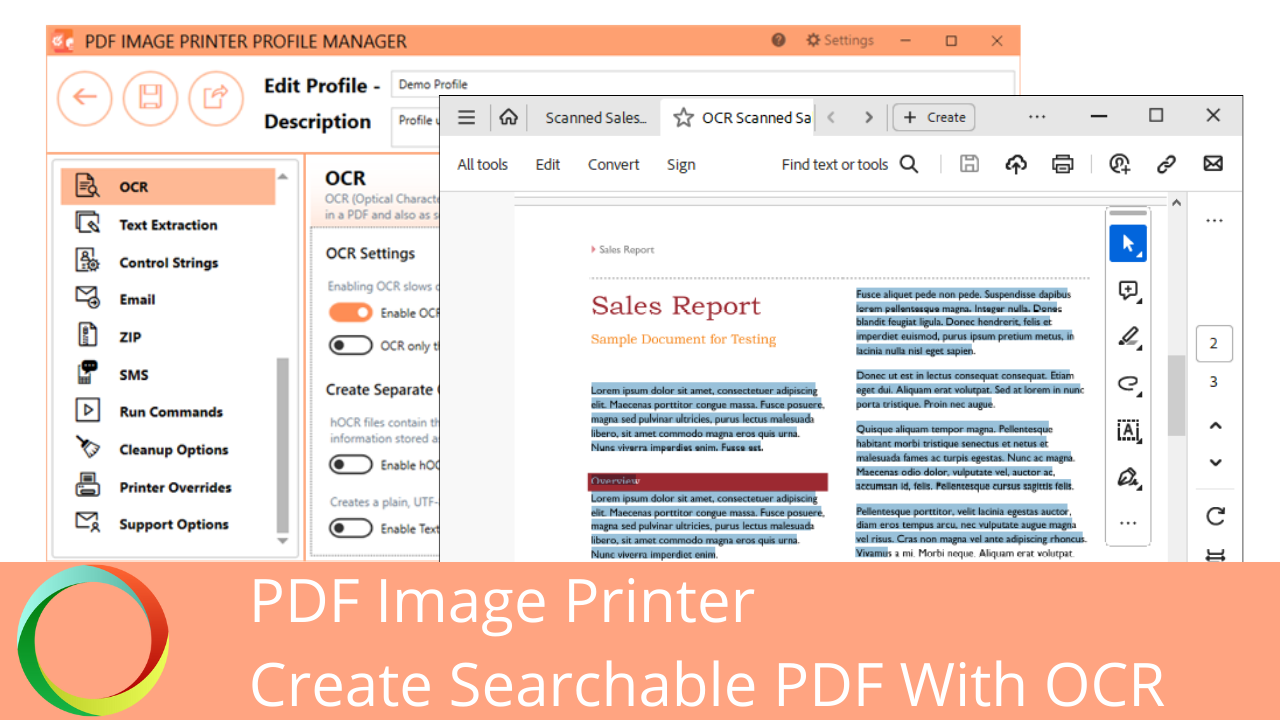
Create Searchable PDF With OCR
Create Non-Searchable PDF
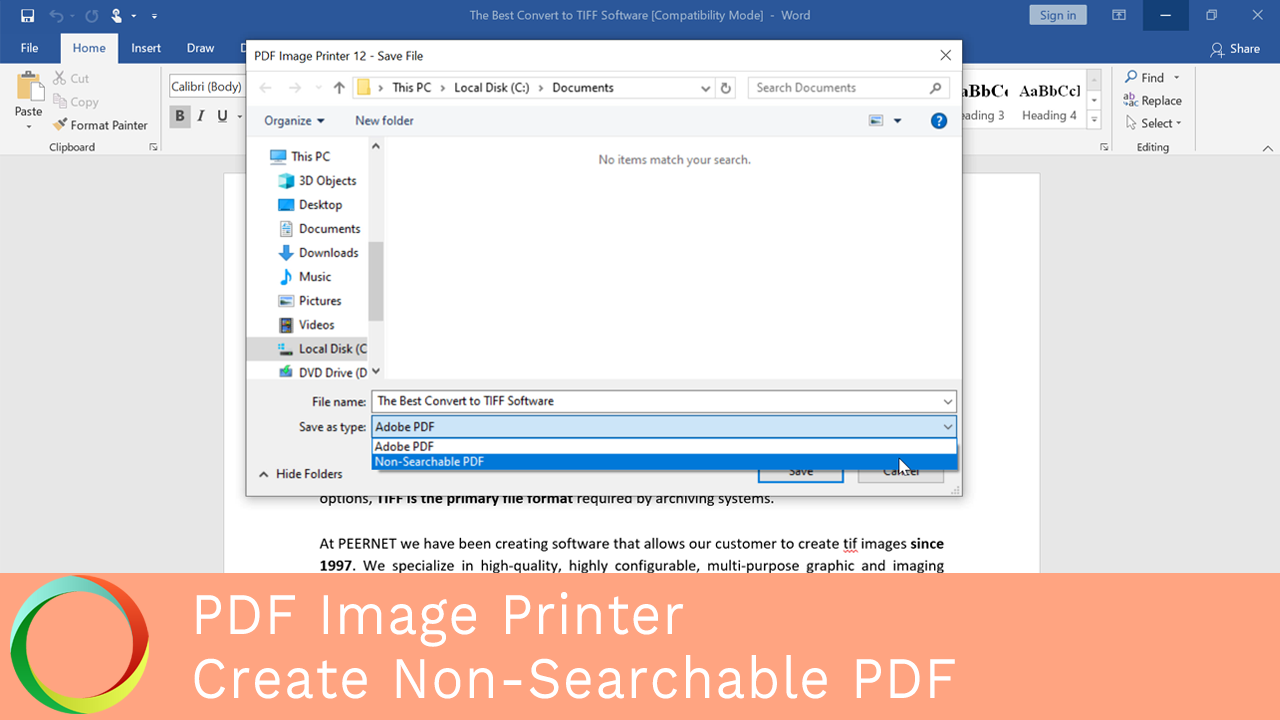
Create Single Page PDF
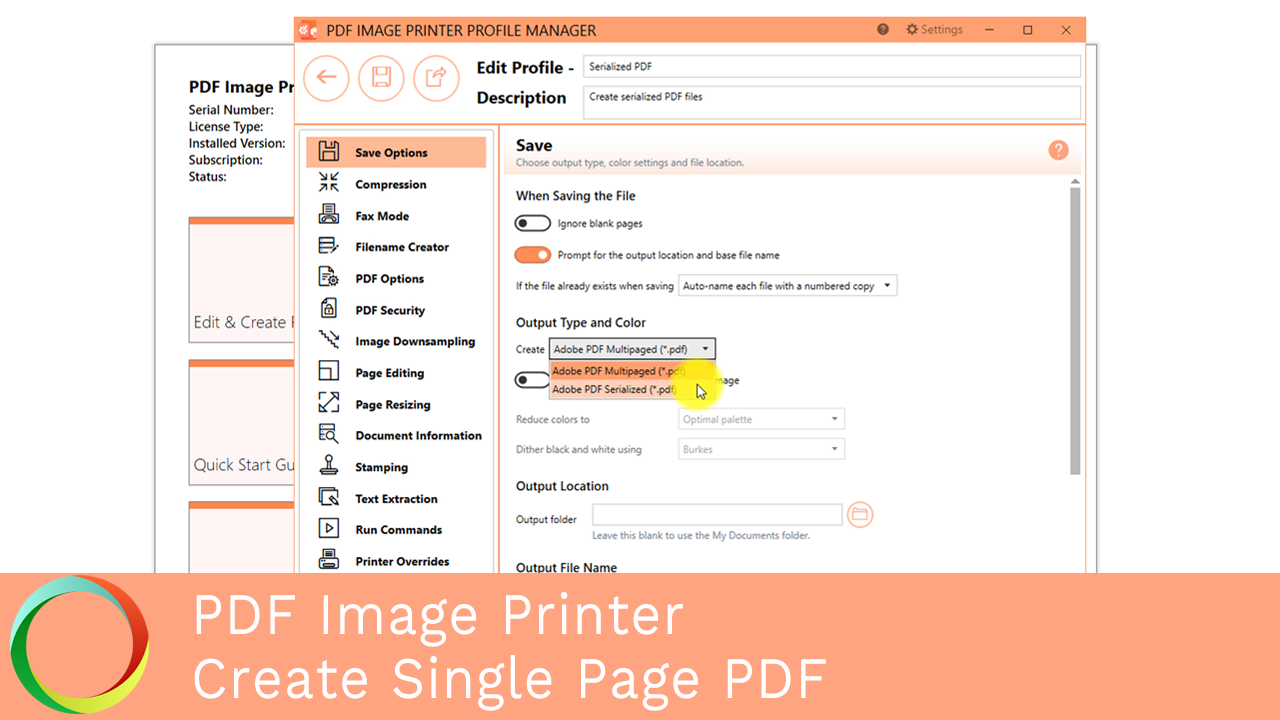
Combine/Merge into one PDF
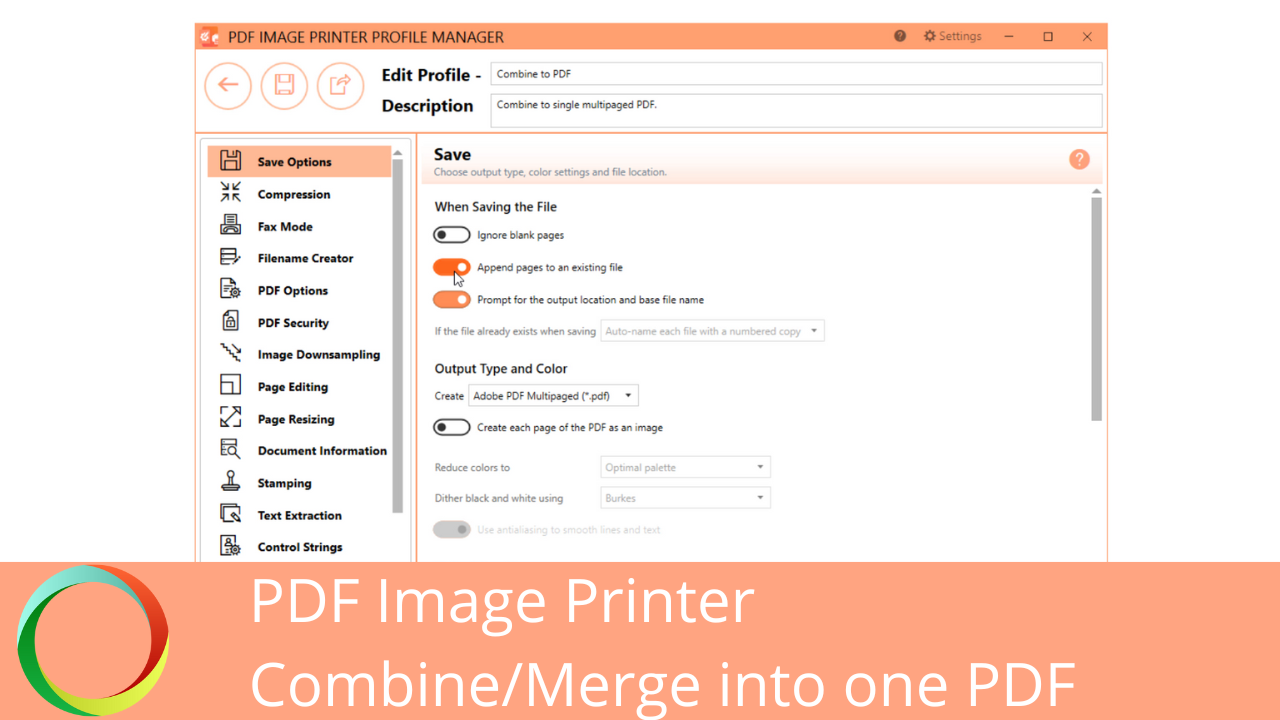
Editing Profiles
Learn how to use Profile Manager to create personal profiles with your custom settings.
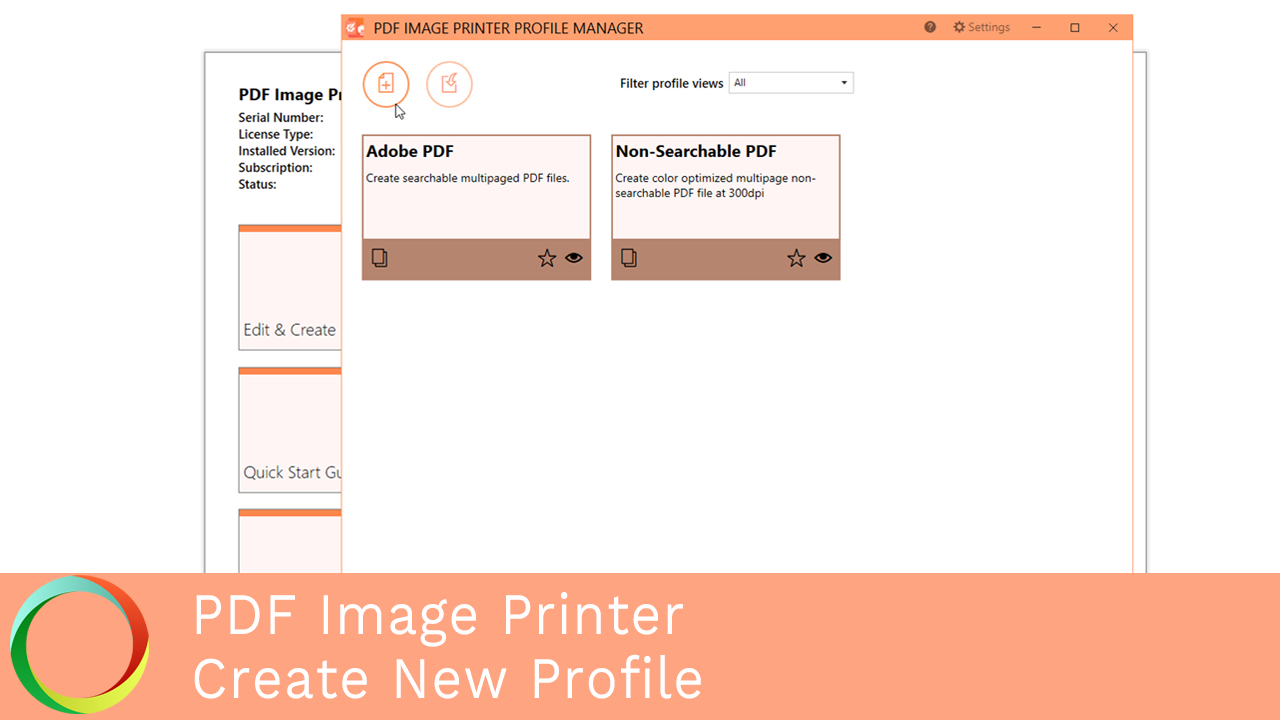
Create New Profile
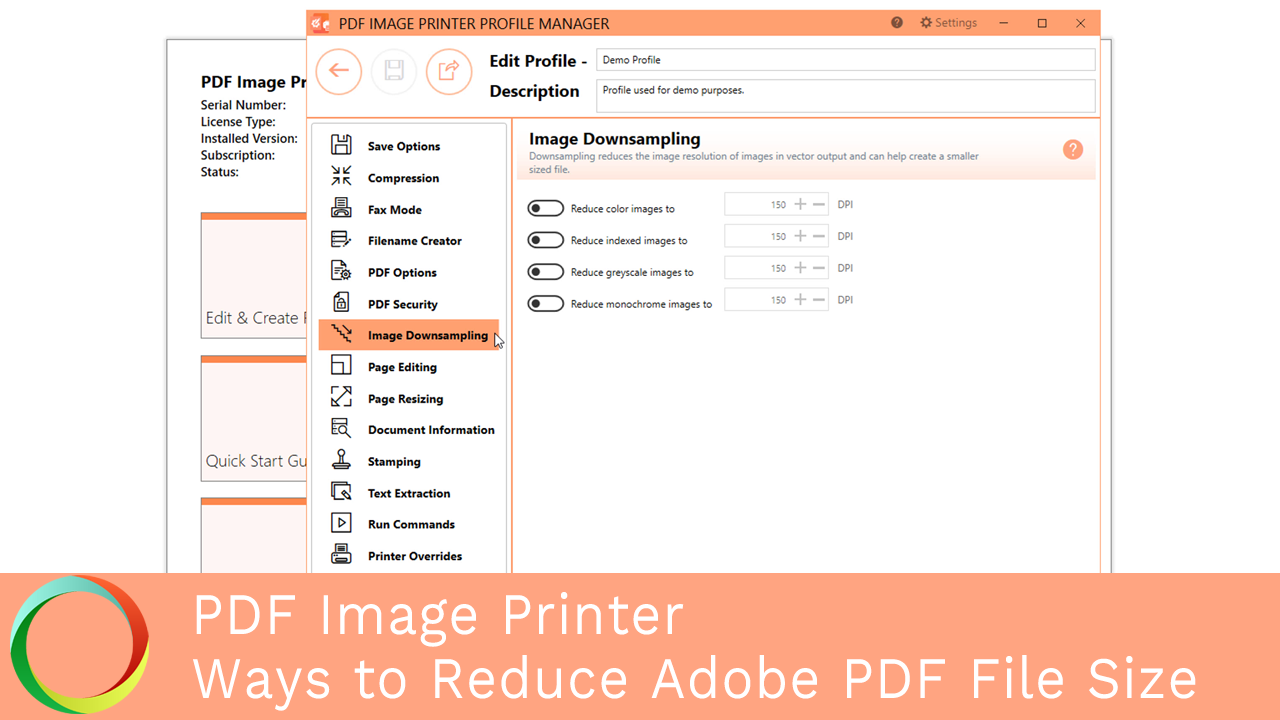
Ways to Reduce Adobe PDF File Size
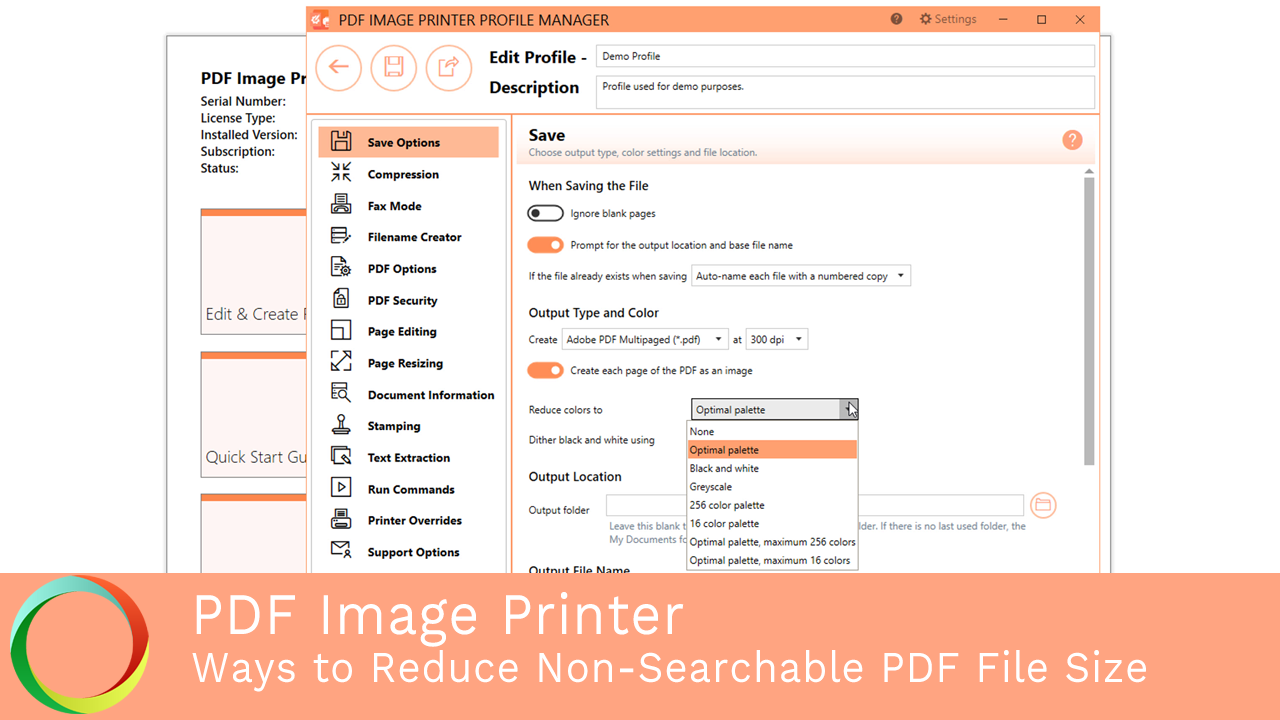
Ways to Reduce Non-Searchable PDF File Size
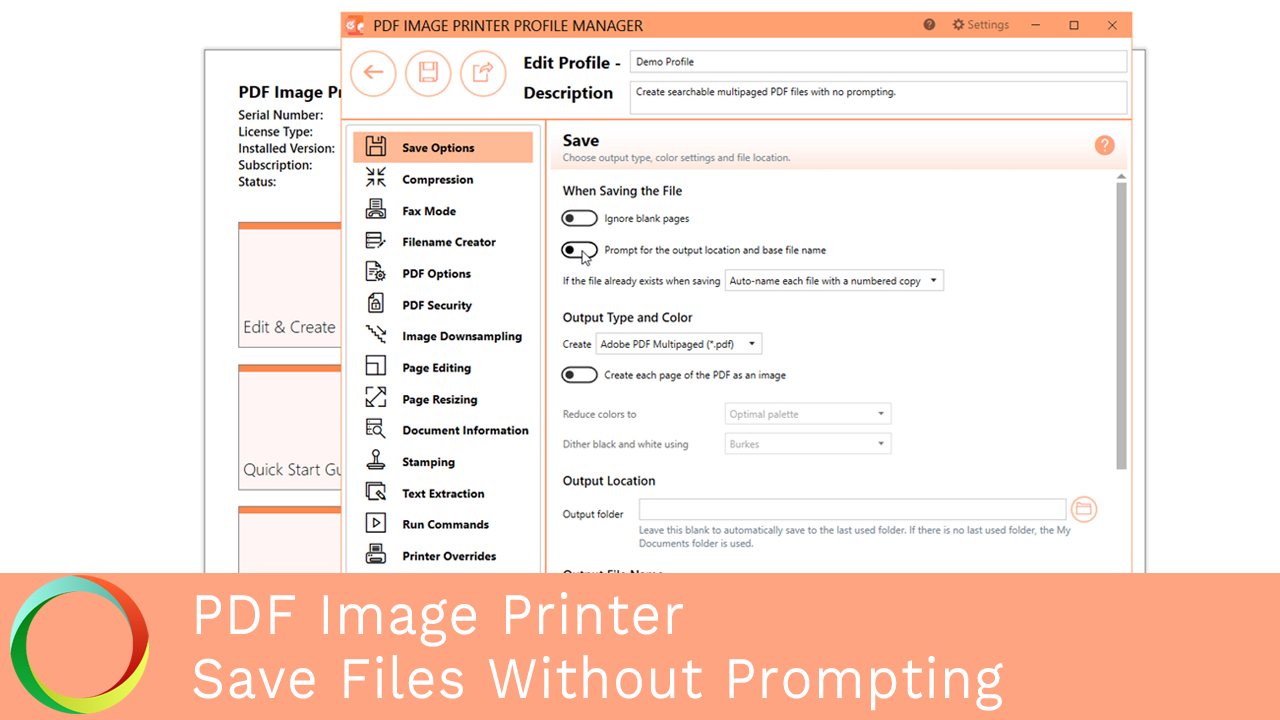
Save Files Without Prompting
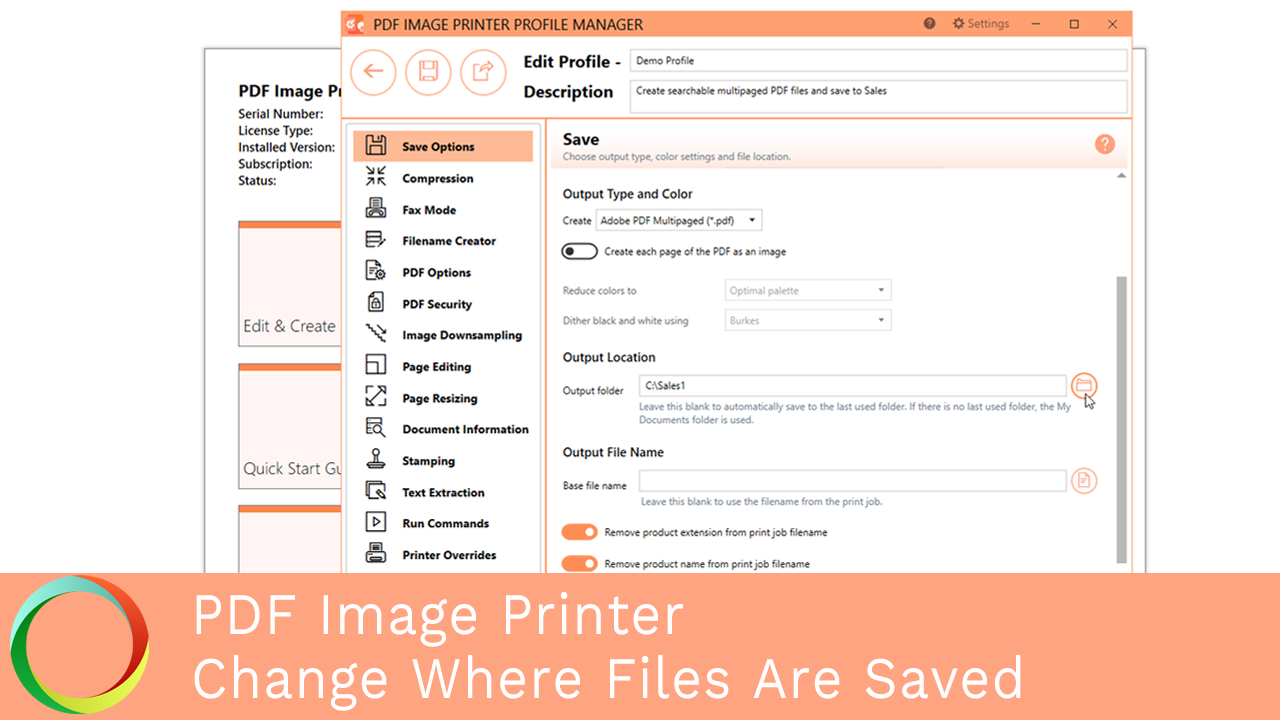
Change Where Files Are Saved
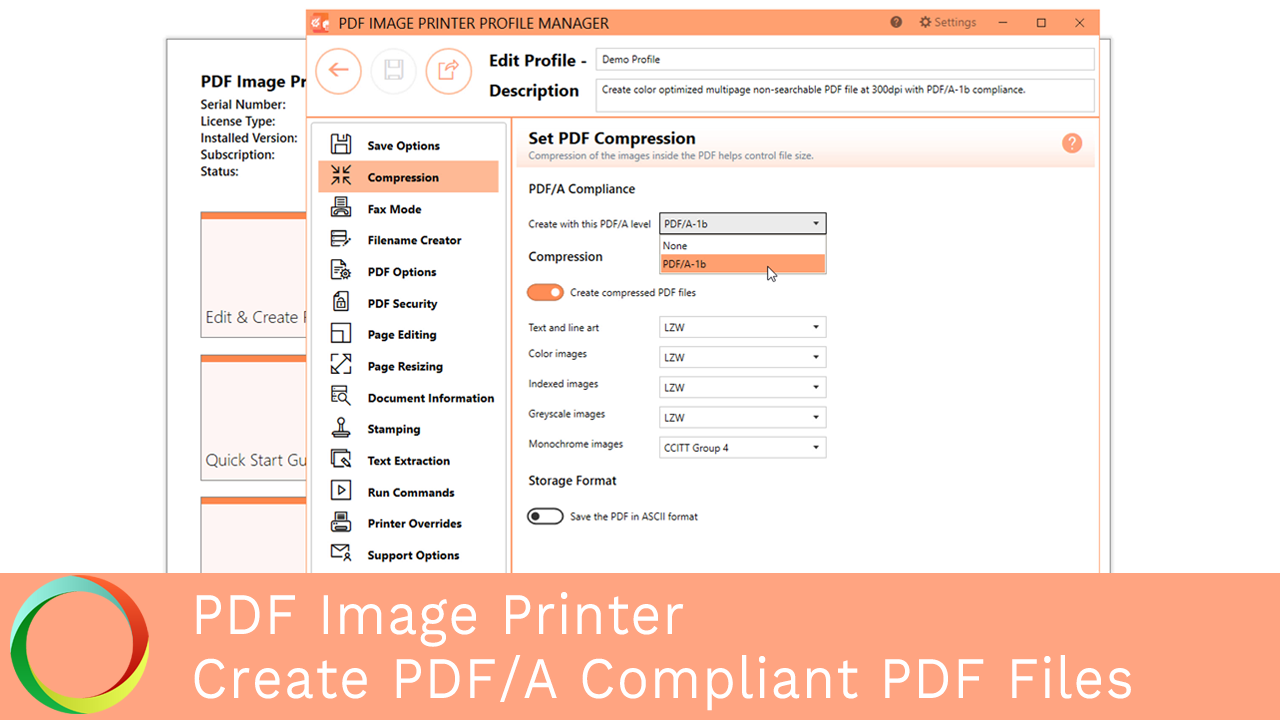
Create PDF/A Compliant PDF
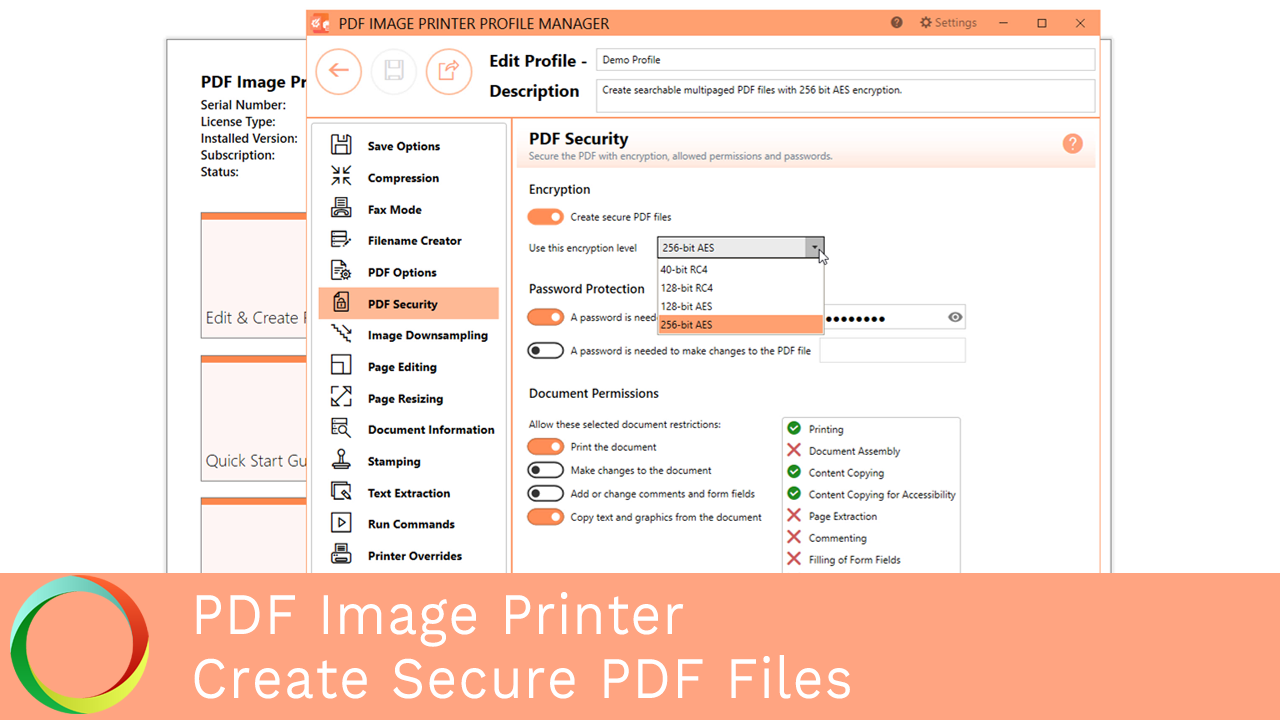
Create Secure PDF
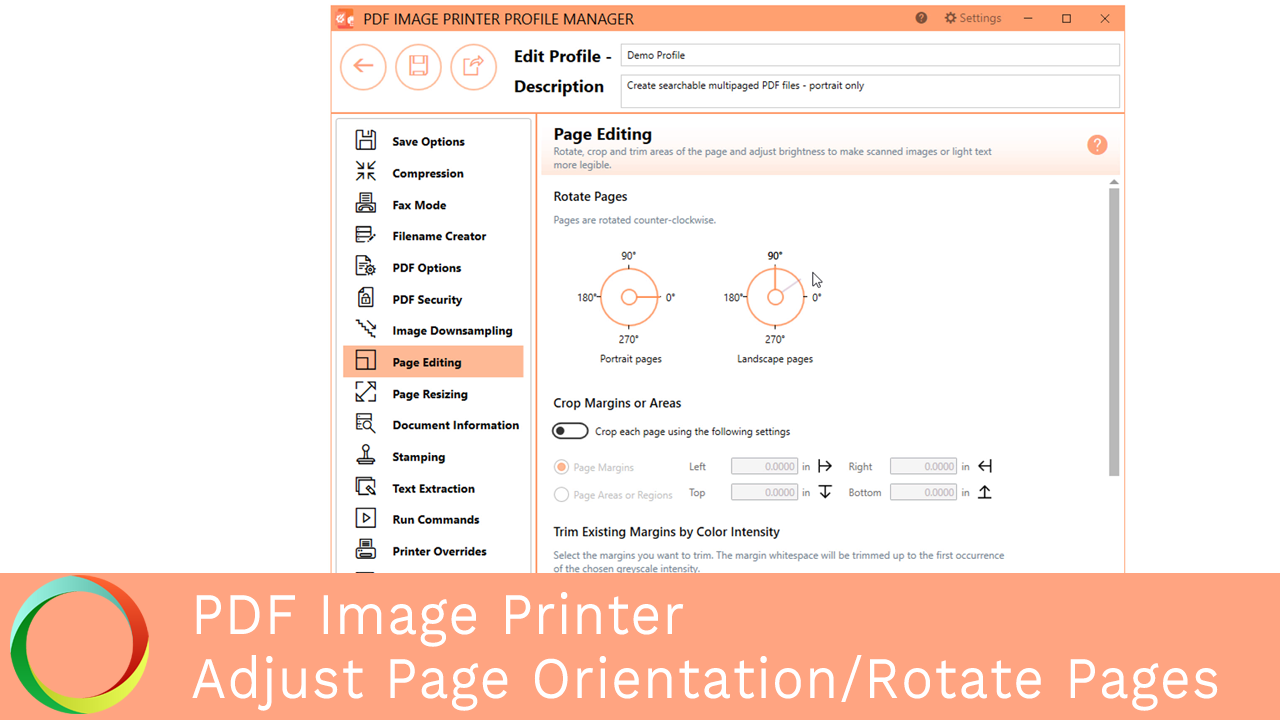
Adjust Page Orientation and Rotate Pages
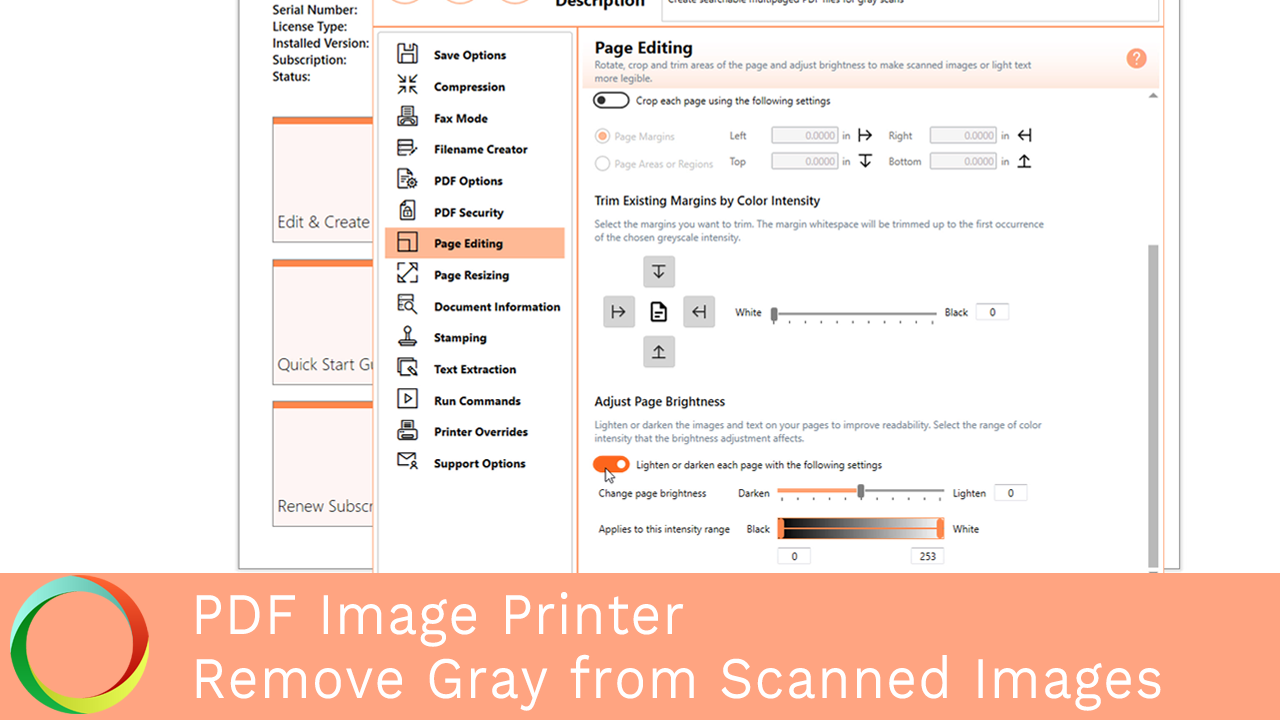
Remove Gray Background
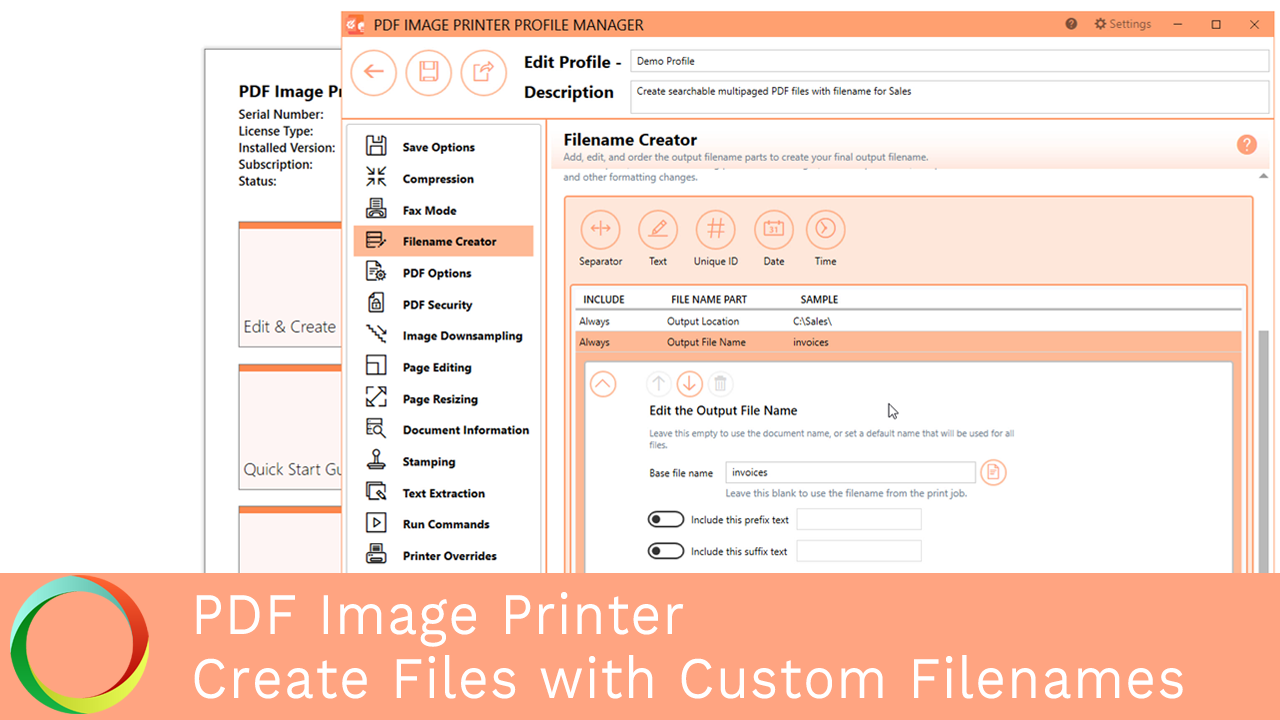
Create Files with Custom Filenames
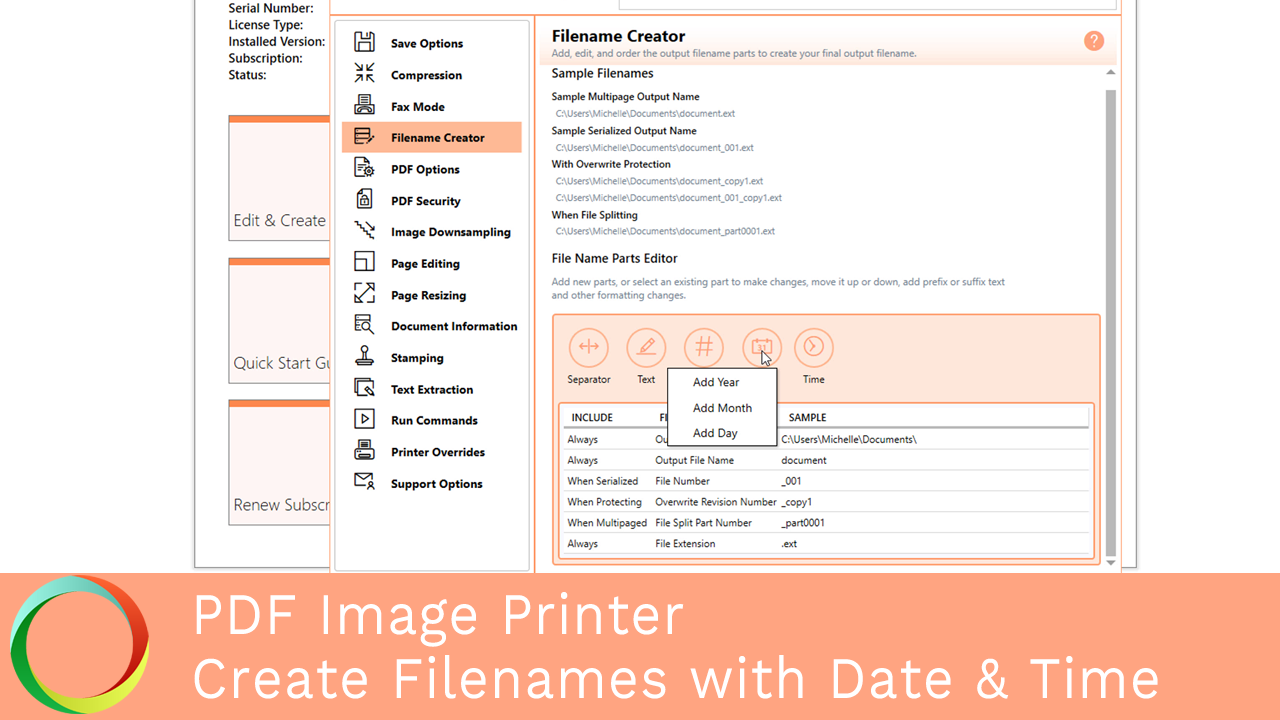
Create Filenames with Date & Time
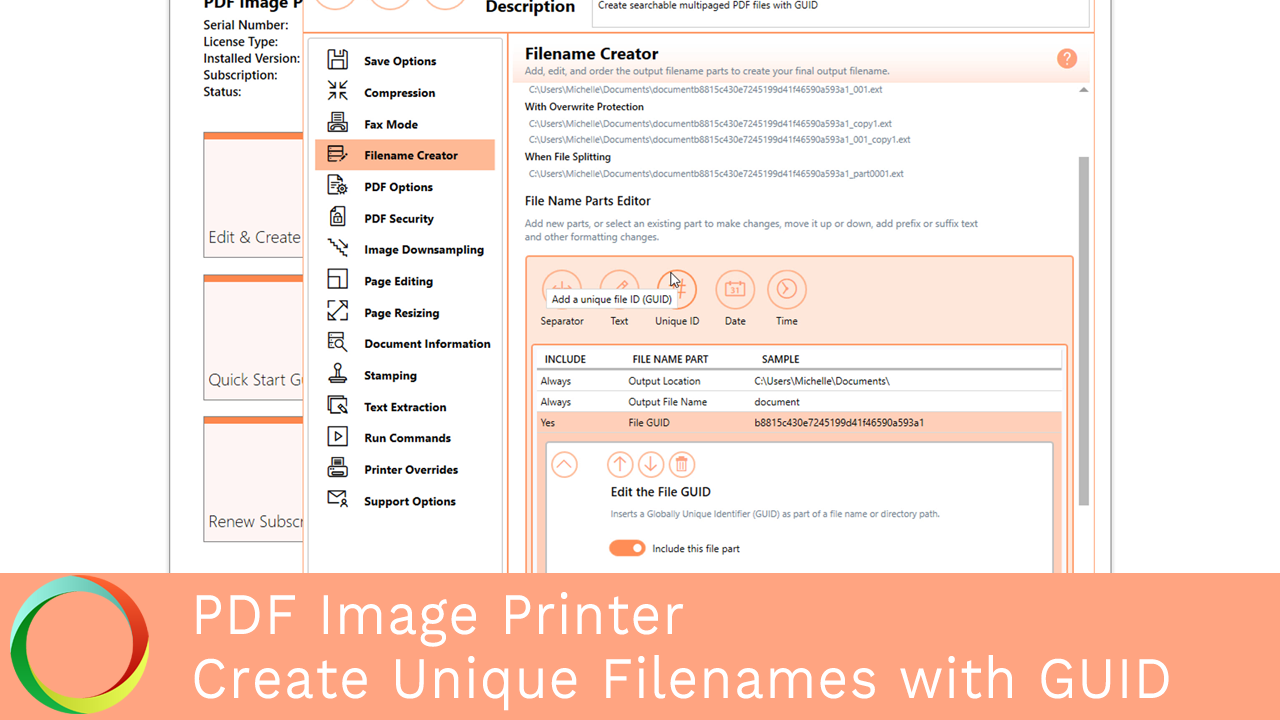
Create Filenames with GUID
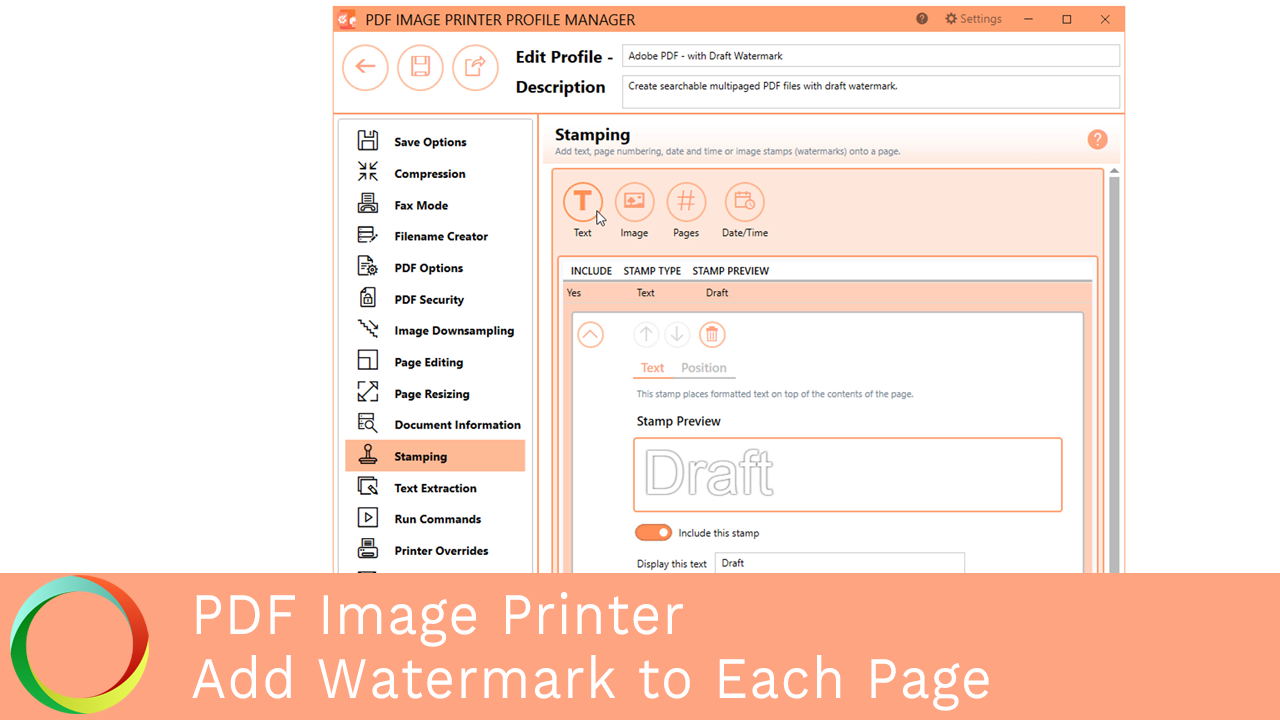
Add Watermark to Each Page
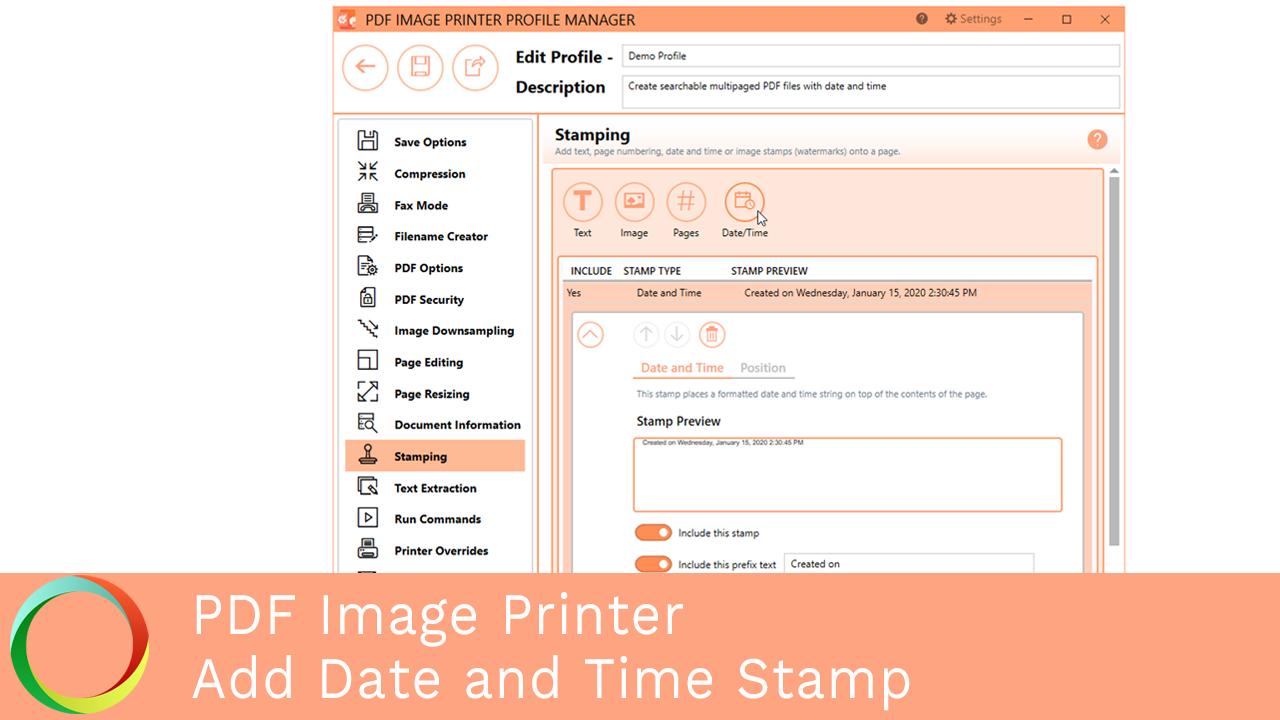
Add Date and Time Stamp
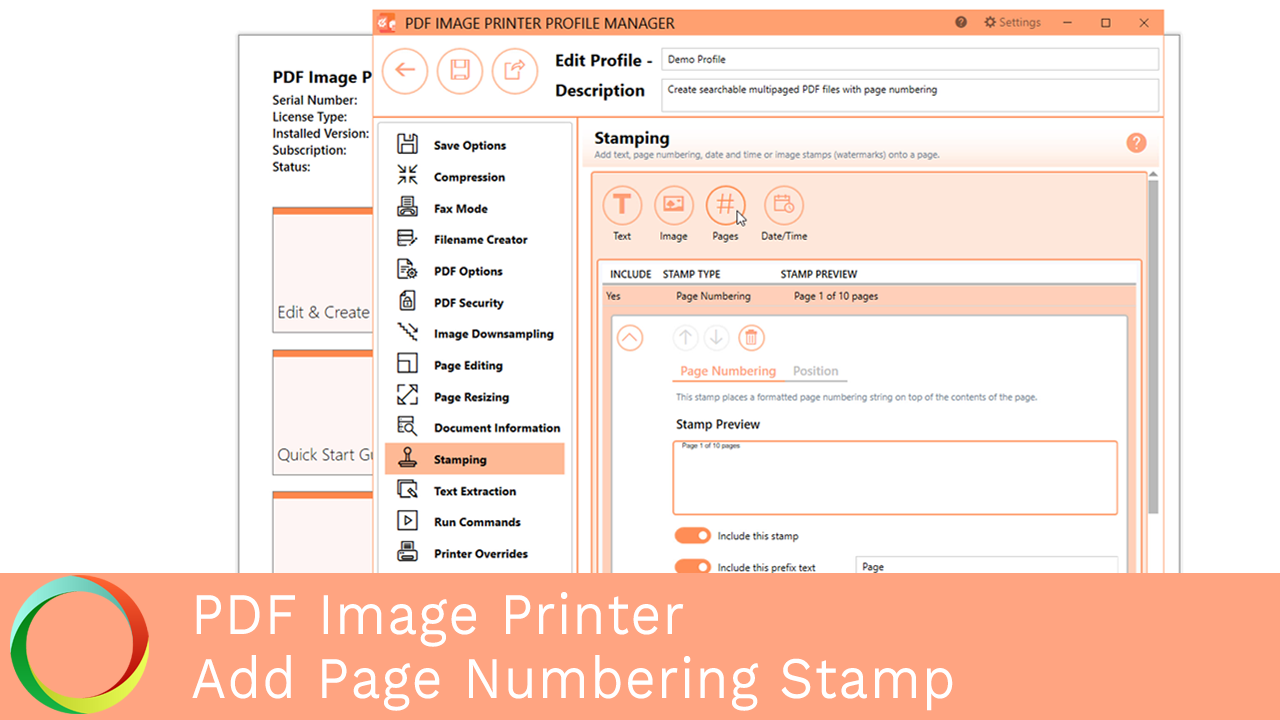
Add Page Numbering Stamp
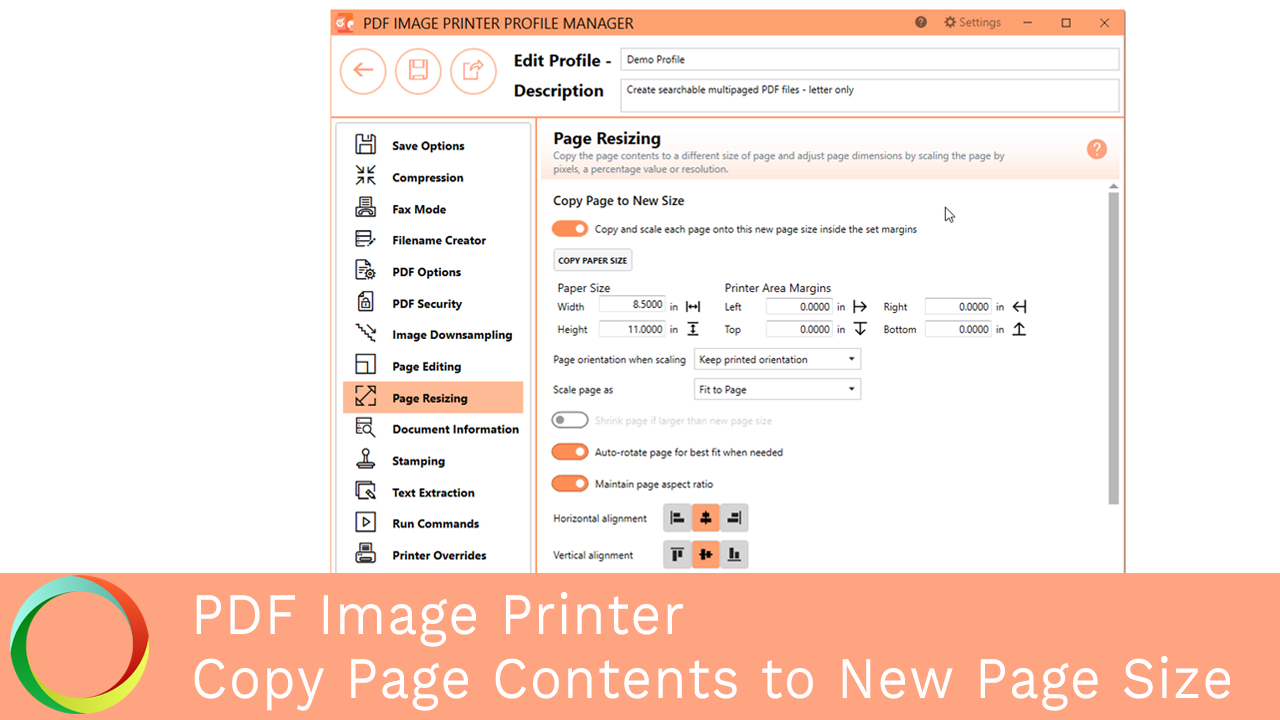
Copy Page Contents to New Page
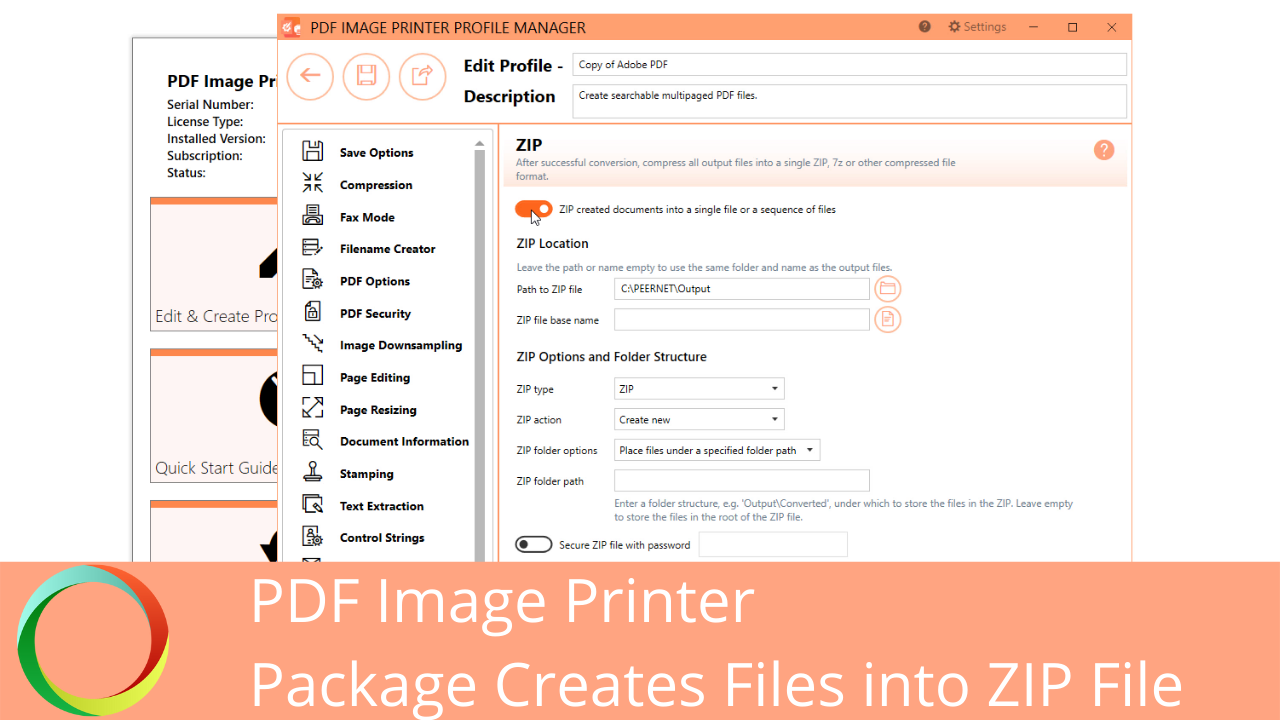
Package Created Files into a ZIP File
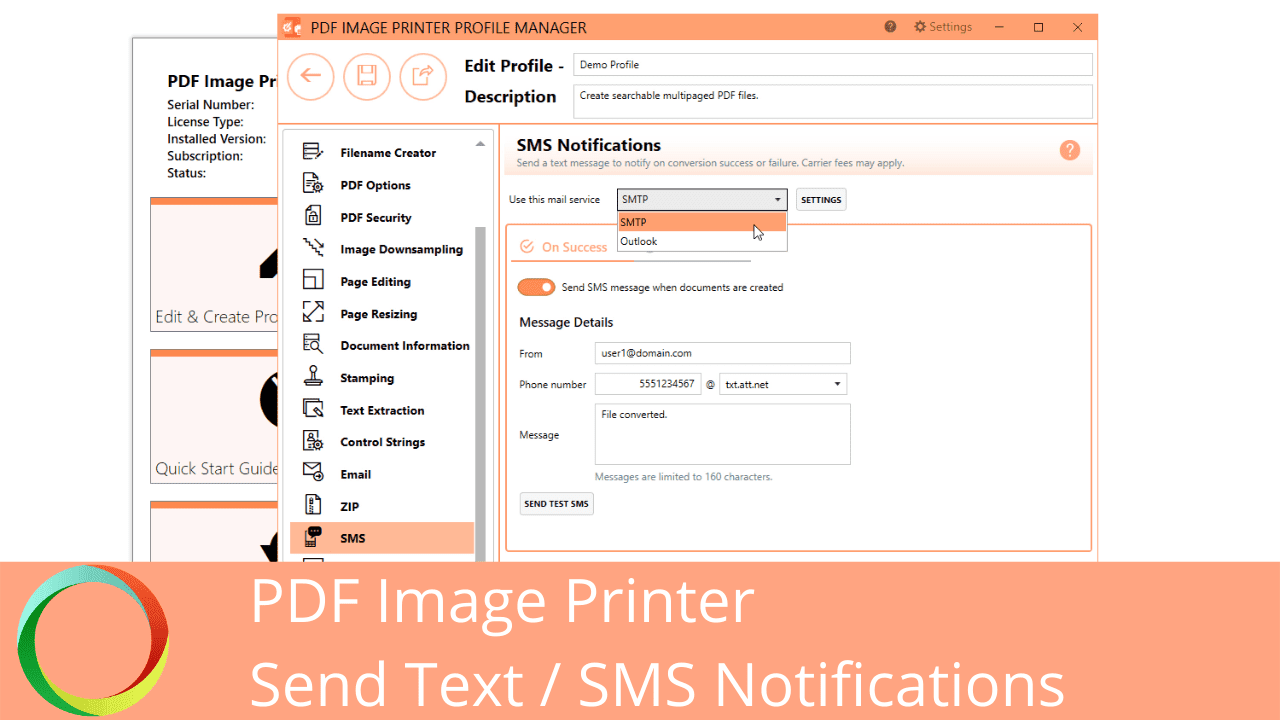
Sent Text / SMS Notifications
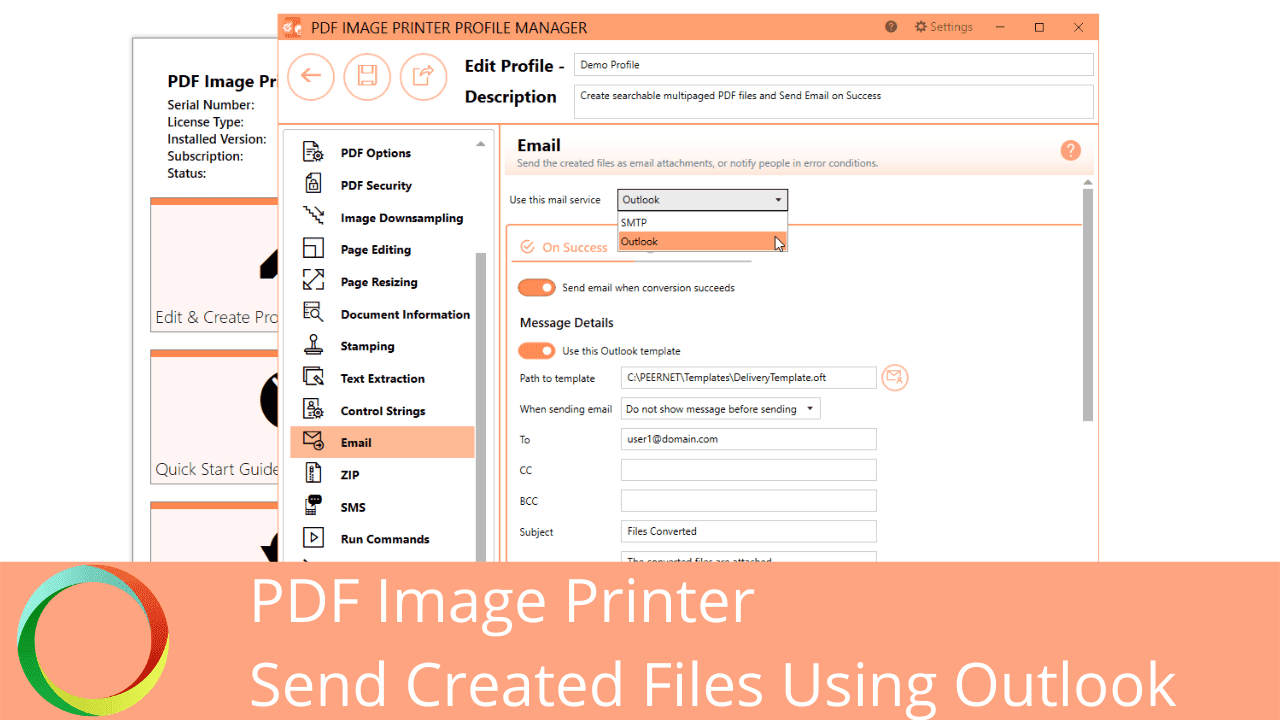
Send Created Files Using Outlook
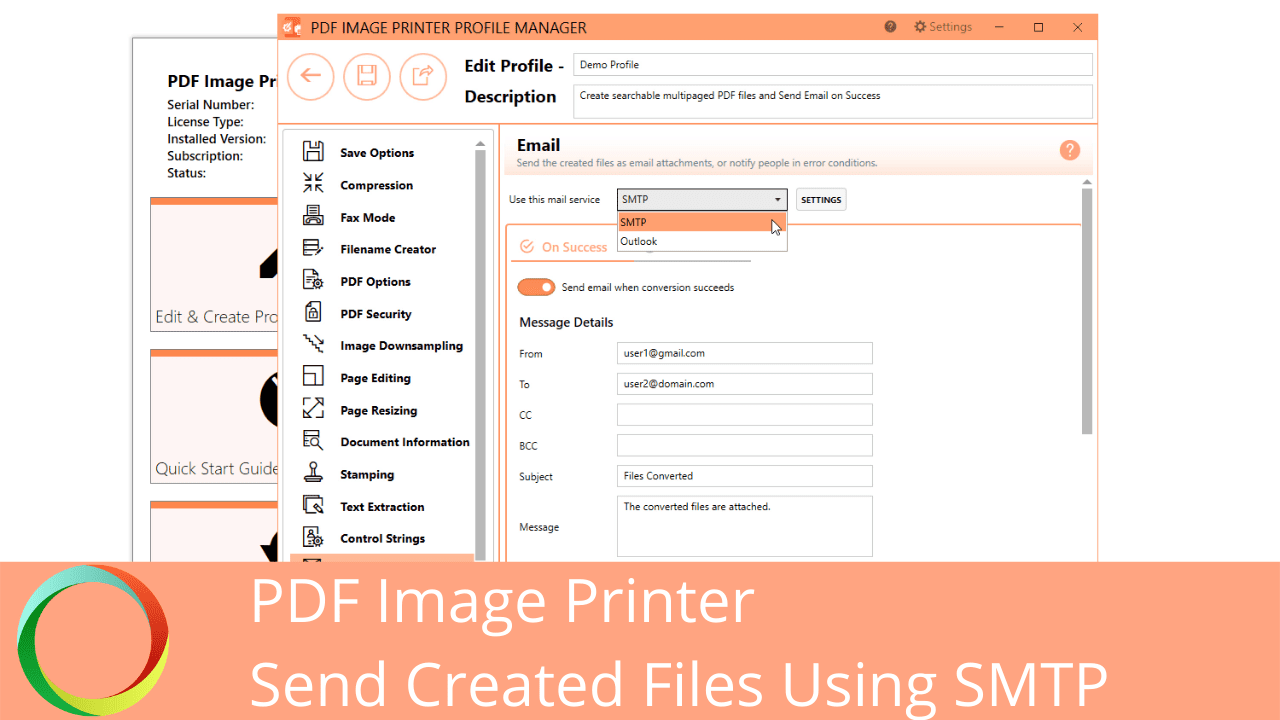
Send Created Files Using SMTP
Additional Tutorials
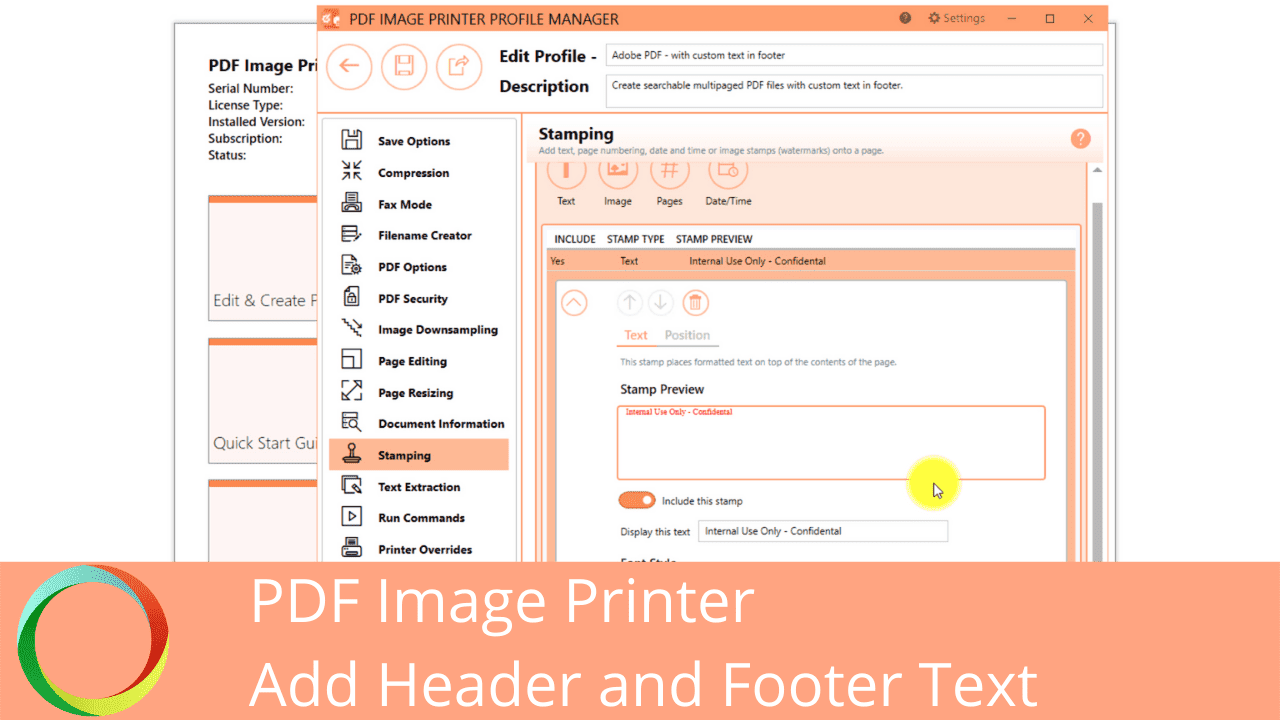
Add Header and Footer Text to Each Page
The PEERNET team is always happy to help!
Give Us a Call
1-800-883-7980
Ask Us a Question
Complete our contact form
LATEST NEWS
 PNSrv11Lib to PNSrv12Lib: Migration Made EasyMarch 14, 2025 - 2:10 pm
- Migrating to Version 12: Compatibility Mode Quick Start GuideMarch 14, 2025 - 2:09 pm
- Well Logs: Stitch PDF Pages into a Continuous TIFF ImageMarch 14, 2025 - 2:08 pm
- Dynamic Stamp ContentNovember 4, 2024 - 4:47 pm


