
• Contact
  • Company
  • Login / My Account
  • Shopping Cart (0)
Document Conversion Made Easy!
Peernet Menu
  • Products
      • Virtual Printers
        • tiff-image-printer-iconTIFF Image Printer – Create TIFF Images
        • raster-image-printer-iconRaster Image Printer – Create TIFF, PDF, JPEG, etc.
        • pdf-image-printer-iconPDF Image Printer – Create Searchable PDF
      • PDF Editor
        • pdf-creator-plus-iconPDF Creator Plus – Merge, Edit, Create Searchable PDF
      • Batch Converters
        • document-conversion-service-iconDocument Conversion Service – Unattended 24/7 Batch Converter
        • file-conversion-center-iconFile Conversion Center – Desktop Batch Converter
      • Reporting Software
        • peernet-reports-iconPEERNET Reports – Barcode, Report and Label Software
      • enterprise-licensingEnterprise Licensing for your Corporation
      • discounts-multiple-licensesDiscounts for Purchasing Multiple Licenses
      • distribute-bundle-peernet-softwareDistribute PEERNET Software Bundled with your Product
  • Purchase
      • Purchase Virtual Printers
        • tiff-image-printer-iconTIFF Image Printer – Create TIFF Images
        • raster-image-printer-iconRaster Image Printer – Create TIFF, PDF, JPEG etc.
        • pdf-image-printer-iconPDF Image Printer – Create Searchable PDF
      • Purchase PDF Editor
        • pdf-creator-plus-iconPDF Creator Plus – Merge, Edit, Create Searchable PDF
      • Purchase Batch Converters
        • document-conversion-service-iconDocument Conversion Service – Unattended 24/7 Batch Converter
        • file-conversion-center-iconFile Conversion Center – Desktop Batch Converter
      • Purchase Reporting Software
        • peernet-reports-iconPEERNET Reports – Barcode, Report and Label Software
      • peernet-online-store-purchase-optionsPurchase Options
      • peernet-software-license-levelsLicense Levels
      • peernet-software-purchase-resellerFind Resellers
      • peernet-software-sales-faqsSales FAQ
  • Learn & Support
        • peernet-help-centerTutorials
          • Learn the Basics or Go Beyond with Video Tutorials, FAQs and Guides

            At PEERNET we pride ourselves on providing the best support and the fastest response times in the industry.
          • Select Software Tutorials:
              • tiff-image-printer-iconTIFF Image Printer
              • raster-image-printer-iconRaster Image Printer
              • pdf-image-printer-iconPDF Image Printer
              • pdf-creator-plus-iconPDF Creator Plus
              • document-conversion-service-iconDocument Conversion Service
              • file-conversion-center-iconFile Conversion Center
              • peernet-reports-iconPEERNET Reports
        • peernet-software-faqsSales FAQ
          • Popular Topics

            Find all the answers you need to our most frequently asked questions.
              • Download & Install
                • How do I download software I already purchased?
              • Purchasing & Renewing
                • How do I purchase PEERNET software?
                • What license level do I need?
                • How do I add licenses to an existing serial number?
                • How do I renew my annual subscription?
              • Licensing & Operating
                • How do I activate my new PEERNET software?
                • How do I activate my software without an internet connection?
                • Where do I find my serial number?
                • How do I move my software to a new computer?
                • How do I update/upgrade my software to the latest release?
            • Read all Sales FAQs
  • Blog
  • Menu Menu
File Formats for Small Business Tasks

What are the best file formats for my small business tasks?

August 14, 2014/by Robert Massart

File Formats for Small Business Tasks

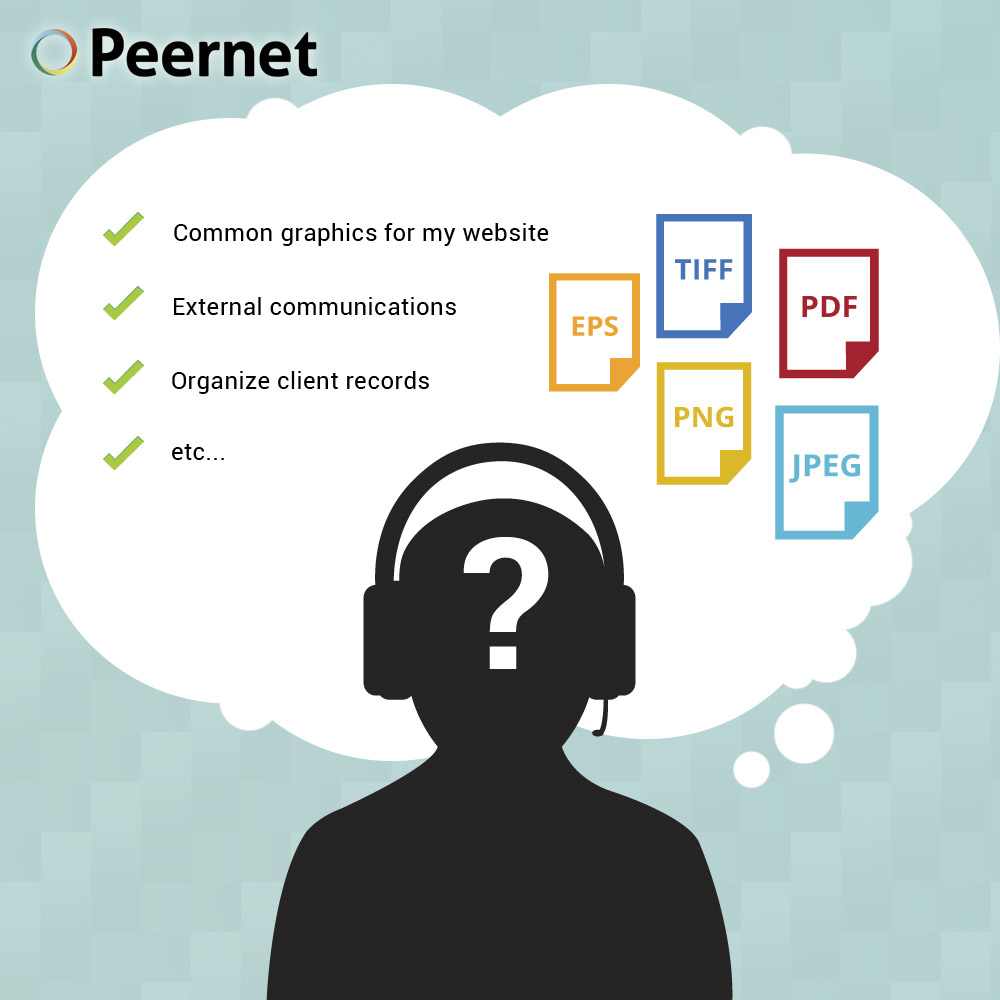
If you’re running a small or medium-sized business, you’re probably expected to wear many hats within the organization. In a typical day, you might be communicating with clients, sending faxes, interacting and exchanging documentation with suppliers, emailing internally with colleagues, responding to customers, or many more tasks.

While the modern office environment makes all of these tasks feasible through digital means, it can be a challenge for some people to know which format is best for each of these tasks.

Here’s a quick guide that hopefully makes things easier:

I want to…

…send official external communications (releases, resumes, etc.): PDF

In documents where formatting is important, Microsoft Word or other text document formats (e.g. .rtf) are not ideal. Depending on the viewer’s computer and Word Processor configuration, the text can appear wildly different than the sender intended. In most cases, the most efficient, logical format to use is PDF. PDF files maintain their formatting regardless of where they’re being viewed, and is widely- known, so even if the recipient is not computer-savvy, there’s not likely to be any confusion about how to view the file.

…organize client and/or customer records: TIFF

Tagged Image File Format has become a leading standard for professions like the medical industry. TIFF is preferable to PDF in many industries for a number of reasons. Many of the best solutions for document capture are designed with TIFF in mind. As well, TIFF offers added security for important documents, as their files cannot be embedded with viruses or other malware.

…quickly create faxable documents: TIFF

Yes, many businesses out there still use the fax in their day-to-operations. Peernet offers programs that easily allow businesses to easily create faxable TIFF files.

…get some branding /design work done or a new logo for my business: Vector

If you are having new branding designed for your small business, any designer worth their salt will give you copies of the graphics in vector format. This ensures that the logo or images will remain clear regardless of where or what they’re printed on — so it will look the same whether it’s printed on a business card, or on the side of a building.

…upload some common graphics for display on my company’s website: JPEG or PNG

There are a few different considerations when deciding which image format you should use. In most cases, JPEG and PNG are the standards for website design, as they maintain good enough quality for computer screens while keeping page loading times reasonable.

…include some images in a document for publication, and make them print out clearly: TIFF

If you’re putting together some handouts, cards, brochures or the like for your business, the TIFF file format is your best bet. While JPEG is ideal for computer screens, their lower resolution will often render them grainy on the printed page. TIFF is a lossless, compression-free format, so you can be sure that how you see it on the monitor is how it will appear on the page.

…send emails with images in them, and keep the file size down: JPEG or GIF

Many corporate email accounts have size limitations for each email. If you’re using images in an email, it’s best to make them as small in size as possible while still maintaining the desired quality. For small graphics, the GIF format might be an acceptable solution. For photos, or more complex and colorful images, go with JPEG, which maintains a high enough level of quality for most uses while keeping the file size relatively low.

If you are involved with running a business, check out PEERNET’s line of document conversion software, which features products that are built with business in mind.

https://www.peernet.com/wp-content/uploads/which-format-to-choose.jpg 1000 1000 Robert Massart https://www.peernet.com/wp-content/uploads/peernet-logo.png Robert Massart2014-08-14 16:24:182019-07-16 14:31:30What are the best file formats for my small business tasks?
  • Document Conversion Service
  • TIFF Image Printer
  • Raster Image Printer
  • PDF Image Printer
  • PDF Creator Plus
  • File Conversion Center
  • PEERNET Reports
Search Search

Recent Posts

  • PNSrv11Lib to PNSrv12Lib: Migration Made Easy
  • Migrating to Version 12: Compatibility Mode Quick Start Guide
  • Well Logs: Stitch PDF Pages into a Continuous TIFF Image
  • Dynamic Stamp Content
  • Convert to PDF: The Power of On-Premise PDF Creation

INTERESTING LINKS

Below are some interesting links for you! Enjoy your stay :)

RSS Feed Logo RSS Feed Logo Subscribeto RSS Feed

OUR PRODUCTS

  • Document Conversion Service
  • TIFF Image Printer
  • Raster Image Printer
  • PDF Image Printer
  • PDF Creator Plus
  • File Conversion Center
  • PEERNET Reports

LATEST NEWS

  • PNSrv11Lib to PNSrv12Lib: Migration Made EasyMarch 14, 2025 - 2:10 pm
  • Migrating to Version 12: Compatibility Mode Quick Start GuideMarch 14, 2025 - 2:09 pm
  • Well Logs: Stitch PDF Pages into a Continuous TIFF ImageMarch 14, 2025 - 2:08 pm
  • Dynamic Stamp ContentNovember 4, 2024 - 4:47 pm

BUSINESS INFORMATION

Toll Free: 1-800-883-7980 North America

Tel: 1-613-224-6894

Our office hours are Monday to Friday, from 0900 hrs to 1700 hrs, Eastern Standard Time.

Email Address: [email protected]
Copyright © 1997-2026. All rights reserved. Terms and Conditions | Disclaimer | Privacy Policy | Trademarks.
PEERNET® is a registered trademark of PEERNET Inc.
  • Link to Youtube
  • Link to Rss this site
  • Products
  • Purchase
  • Company
  • Contact
Link to: PDF Creator Plus – A Powerful Creation Tool Link to: PDF Creator Plus – A Powerful Creation Tool PDF Creator Plus – A Powerful Creation Tool Link to: 6 Ways a Paperless Office Streamlines Your Business Operations Link to: 6 Ways a Paperless Office Streamlines Your Business Operations document digitization at the office6 Ways a Paperless Office Streamlines Your Business Operations
Scroll to top Scroll to top Scroll to top