
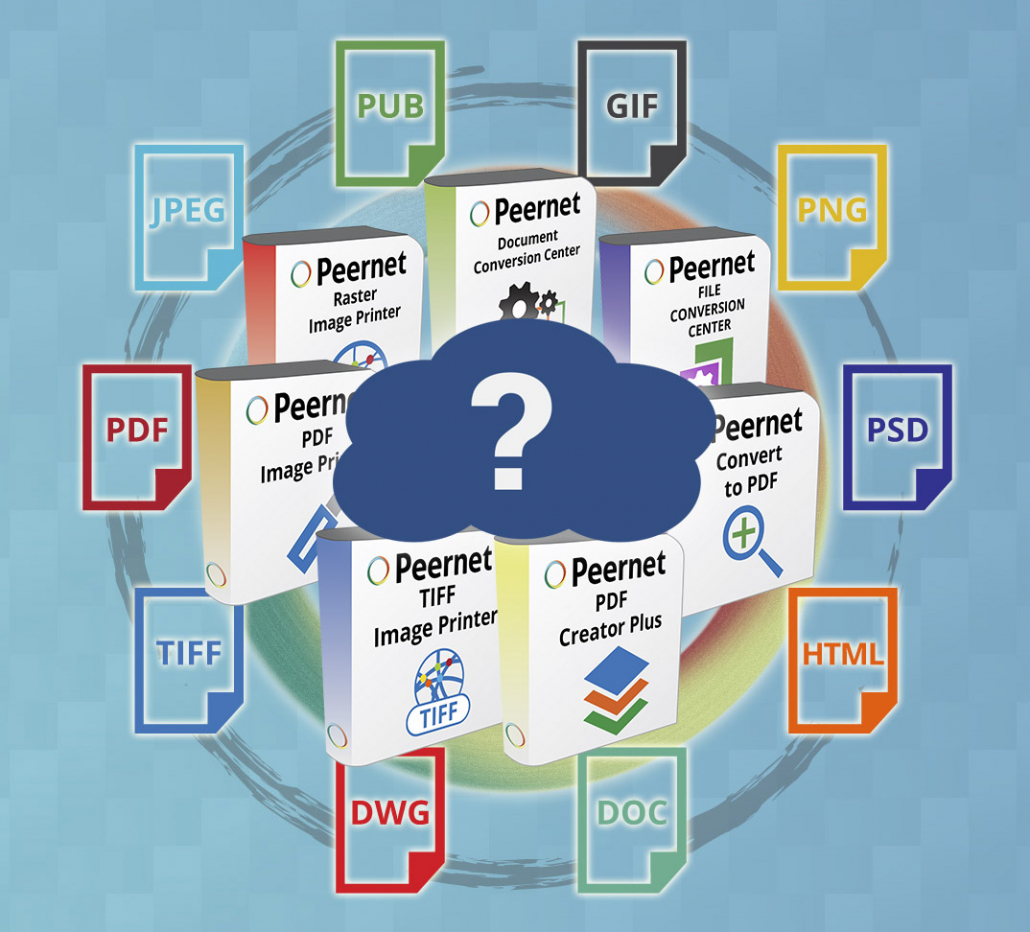
How to Choose Document Conversion Software
There is a world of choice out there when it comes to document conversion software. Whether you are personal user just looking for occasional one-off or an enterprise organization with a need for consistent batch file conversion, your options are virtually endless. So once you’ve decided that you need a dedicated document conversion solution, what’s the best way to wade through the bevy of options to identify the software that’s right for your needs? This guide should help point you in the right direction.
Assessing Your Needs:
Before you go searching out a piece of software or a solution for your file conversion needs, it’s helpful to reflect on exactly the types of features you’re looking for.
Finding the right program or system to handle document conversion or file conversion can be broken down into some of the following main categories and questions:
- What Volume of Document Conversion Do You Need?
If you’ve started to think about a file conversion solution in the first place, then you likely have some need for it. But to what extent? Do you anticipate converting documents a few times a week? Or a few times a day? Or, even down to multiple times per minute? Taking stock of your needs will help significantly in starting the process towards your final choice.
- What Sort of Budget Do You Have in Mind?
Document converter software can vary greatly in price, but by the same token, vary greatly in functionality. They can range in cost from totally free (although, as a note of caution, these usually come with caveats – more on that later) to enterprise level license pricing. In general, you are likely to get what you pay for in terms of power and functionality as you move up the chain of file conversion programs.
- What Types of Files Do You Need Outputted?
The file formats that your business is making regular use of will be a crucial determinant in choosing your file conversion software. Some programs are likely to handle any file format that you want, while others are more built for a singular purpose (for example, to convert files to PDF, or convert to TIFF.) Keep this in mind when researching potential document converter.
It’s essential that you take these questions into account when developing a strategy for document conversions.
Answering some Key Questions:
Before we get into a rundown of your various software options, let’s review a couple of important questions that people commonly have regarding file conversion protocol.
Free or Paid File Conversion?
When looking for a file conversion solution, you may be tempted to look at what free options are out there. And for some people, that may be fine. But for the majority of business, enterprise, and even home users, there can be drawbacks to using a typical free online file conversion website. These drawbacks can include:
- Watermarks on the documents. Almost all free file conversion sites will stamp some sort of mark on the outputted, converted document. This can look highly unprofessional if you’re using the document for anything related to business purposes.
- You probably don’t know exactly where your documents are going. This is potentially a huge issue in this era of heightened concern over digital security; and particularly, if the information in the document is sensitive in nature or contains your customers’ information. You’ll want to know that the server that you’re uploading this information to is secured, or at very least, run by a trusted, reputable organization.
- You may be limited in the settings of your outputted files. As a result, the files may be too low-quality, or too large of files for your particular needs. As well, there are often low restrictions as to the size of file that you’re able to upload.
- You also may be limited in terms of the supported file types. Many of these free online file conversion sites offer quite limited functionality.
- Conversions can be slow. Some larger files may take up to several minutes to convert. If you have a need for consistent conversions, this is a less-than-ideal use of time.
What Are the Main Advantages of Using Business-Focused Document Conversion Software?
Here are 10 good reasons why using professional document conversion software is the smart choice to make:
- Your conversions will be consistent. This adds dependability to your file conversions, ensuring that your outputted files have a professional appearance.
- Rather than bouncing between various websites or programs, training time is limited when making use of one piece of file conversion software.
- It’s easy to use. Building off of the previous point, our software is designed with user experience in mind, developed to make file conversion simple.
- Professional document conversion programs offer flexibility and customization to tailor your files as needed, depending on size and quality concerns.
- Using secure software ensures that any sensitive data contained in converted documents remains protected.
- Similarly, acquiring the file converter itself is done through a safe, secure environment, so you wouldn’t have to worry about what your employees are downloading.
- A wide range of supported file types. With all-in-one solutions such as Document Conversion Service or our File Conversion Center, you have output files in a wide range of file formats, so if unusual needs spring up, you’ll be covered. Even with software like PDF Image Printer, you have the option to convert from any Windows document file that can be converted, into a PDF document.
- In most cases, you don’t have to worry about time or employee resources wasted through server downtime, or internet connectivity issues.
- It works on your existing operating system. File converters like those developed by Peernet are compatible with Windows-based operating systems, the dominant OS used in offices and corporate environments throughout the world.
- There is a highly-trained and expert support team that stands behind their products and is happy to help with any issues you may run into.
Choosing Your Document Conversion Software:
So, with all that in mind, here is a brief rundown of the software you should choose, depending on your particular needs that you’ve already assessed.
To Convert to TIFF:
- TIFF Image Printer functions as a virtual printer, allowing conversion of any Windows file you can print.
To Convert to PDF:
- PDF Image Printer converts Windows documents to non-editable (raster) PDF files.
- PDF Creator Plus is built as an Adobe Acrobat alternative, allowing you to work with various Windows documents to create vector PDFs (searchable).
- Convert to PDF is a powerful, yet easy-to-use PDF Converter that allows you to create searchable PDFs, and allows for automated PDF conversion.
To Convert to PDF, Convert to TIFF, and others:
- Raster Image Printer combines the functionality of PDF Image Printer and TIFF Image Printer into one package, and expands it to allow for conversion to JPEG, PNG, GIF, and a wide range of other file formats.
For Businesses with a Need for Desktop Batch Conversion:
- File Conversion Center offers an all-in-one solution to convert files to TIFF, JPEG, PDF and a range of other image formats. Conversion tasks can be scheduled and automated document conversion is available for power users.
For Businesses with an Ongoing Requirement for Batch Document Conversion:
- Document Conversion Service is our top-of-the-line solution for batch file conversion. It offers powerful command line functionality and can convert files in the background, 24/7. It is a highly scalable product with a robust feature set that is suitable for businesses with a need for consistent or constant file conversion, and enterprise organizations.
Make The Right Choice:
If you still need a little assistance in choosing the right document conversion software for your needs, please take a couple of minutes to watch the video below, which should help steer you in the right direction.
As well, if you still have questions about document conversion software, feel free to contact us here at Peernet – we’ll be happy to provide some insight and offer you some guidance on what sort of software solution might fit the needs of you and your organization.


